Quick answer: Live dealer casino games on iPhone stream a real table or presenter to a mobile interface. The experience depends on lawful market availability, the operator's app or Safari support, network stability, legible betting controls and sufficient battery life. A stream that works well on one device does not prove it will perform equally well on every iPhone.
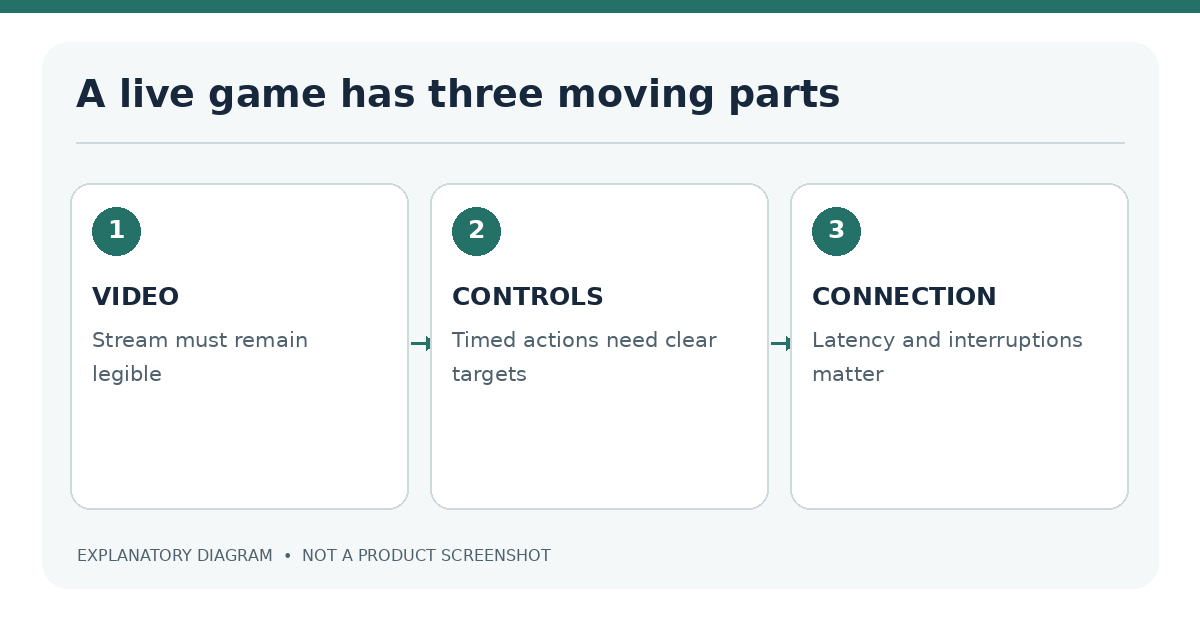
A live dealer product involves more than playing a video. Users need to see the stream, interact with controls and understand the rules while the session continues.
What live dealer casino games are available on iPhone
A licensed operator may offer live blackjack, roulette, baccarat or other streamed table formats. Actual availability varies across operators, game providers and jurisdictions. Some tables may have different rule sets, betting windows, languages or device orientations.
| Format | Mobile interface concern | Check before starting |
|---|---|---|
| Live blackjack | Cards and action buttons | Time available to act and readable limits |
| Live roulette | Wheel, betting board, countdown | Ability to confirm bets before closure |
| Live baccarat | Multiple betting options | Clear display of rules and side bets |
| Game show-style live game | Video plus animated controls | Eligibility, rules and stream stability |
Verified licensed options by jurisdiction
A legitimate live dealer comparison needs operator-level checks. Start with the local regulator's authorized businesses and domains, then confirm that live games are included in the offered casino product and accessible on the specific iPhone method. A provider's generic global catalogue is not proof that the table is available in your region.
How we check iOS availability and operator licences
Record the company, brand, regulator, exact permitted domain, app storefront and date. Check game visibility on a permitted test account, avoiding assumptions from banners. For claims about latency or battery use, use repeatable observations on the same device and network. No operator has been ranked or live-stream benchmarked for this draft.
For a broader jurisdiction discussion, consult the legal guide and licence verification workflow.
Streaming quality, latency and data use
Live tables depend on continuous video delivery. Poor connection quality may produce buffering, reduced image clarity or delays between a visual action and its on-screen representation. A strong-looking cellular signal is not proof of consistent bandwidth or latency. Operators may adapt stream quality to conditions.
Connection and battery considerations
| Test condition | What to record | Why it matters |
|---|---|---|
| Network | Wi-Fi or cellular; approximate quality | Streaming varies with connection |
| Brightness | Fixed level | Changes battery comparisons |
| Session duration | Same minutes for each test | Supports fair observation |
| Stream resolution | Actual observed setting | Affects data use and readability |
| Interruptions | Count and duration | Identifies unstable sessions |
Do not publish precise data-use or battery figures unless measured on the relevant device and game. Even a careful trial represents its test conditions, not every home network or iPhone model.
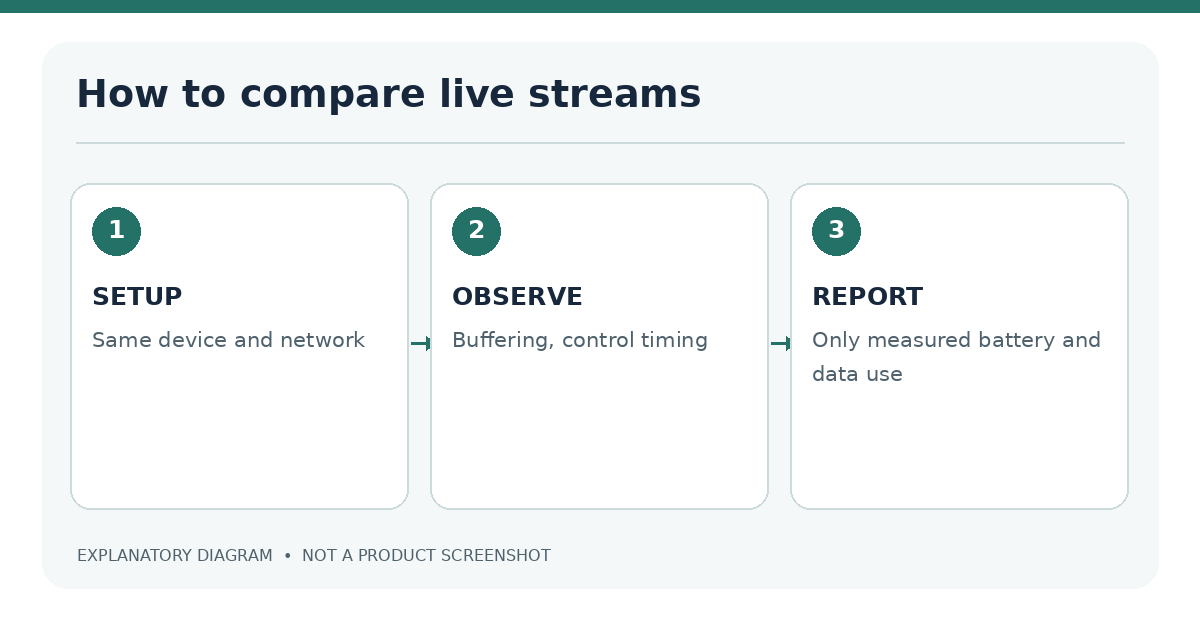
Live-dealer games combine a video stream with interactive controls. Video can appear clear while buttons or information panels are still difficult to use; conversely, a well-designed interface may be held back by an unstable connection. Separate those observations in any review. A repeatable session test should note the iPhone model, display orientation, network conditions, test time, platform version and whether the stream was running alongside other apps.
Latency needs a definition. A player may notice the delay between tapping a control and seeing a response, the lag between audio and video, or the time a stream takes to recover after a connection drop. These are related but distinct issues. Do not publish a numerical latency result unless there is a documented measurement method. Network conditions can differ between users even in the same jurisdiction, so an isolated result should never be presented as universal performance.
| Observation | Practical question | Evidence to record |
|---|---|---|
| Stream start | When is the table usable? | Device, timestamp and repeated results |
| Video readability | Can table information be seen without constant zoom? | Orientation and screenshots without account data |
| Controls | Can actions be selected and confirmed reliably? | Steps, screen state and any failures |
| Stream recovery | Does an interruption return to a clear state? | Error message and reconnection behavior |
| Battery and data | Does the session materially affect phone use? | Test duration and iPhone usage statistics |
Portrait, landscape and chat usability
Live interfaces can become crowded when video, chat, betting chips and account navigation compete for screen space. Check whether the game supports landscape mode, whether buttons remain separated and whether important numbers are readable without zooming. Chat features should be optional or manageable if they obscure play controls.
Accessibility matters here: VoiceOver support, focus order and visual contrast may be limited in video-heavy interfaces. A developer claim of “mobile-ready” is not a substitute for an on-device check.
A portrait layout can be convenient for one-handed navigation but may leave little room for table graphics and detailed rules. Landscape may provide a larger viewing area yet make chat, help buttons or account menus less discoverable. An app-versus-browser comparison should test both supported orientations on the same device and explain what changes, rather than assuming one is superior.
Chat features deserve a separate usability check. Where chat exists, test whether text is legible, whether the keyboard obscures controls and whether the interaction has accessibility labels. If the product includes timed actions, clearly distinguish a visible countdown from measured network delay. Do not imply a user can influence the underlying outcome by choosing a particular iPhone or screen position.
Availability must still come first. A promotional live-dealer image or game lobby does not prove that a real-money table can legally be joined in the reader's territory. Refer to the operator's verified local permission and catalogue, or mark the game as not independently verified.
Native casino apps versus Safari
Some operators make live tables available through both methods, while others differ by game or jurisdiction. The app may offer a tailored interface; Safari avoids a separate download. Neither format bypasses legal location verification or guarantees less video delay.
Why does a live game lag on my iPhone? Possible causes include network instability, device constraints or the streaming service. Use legitimate technical checks and verified support.
Can I play live dealer games in Safari? Only when the licensed operator supports that method in your market.
Does a larger screen improve the odds? No. Screen size affects usability, not the game's underlying probabilities.
If a licensed operator offers both a native app and Safari access in the same location, compare identical or closely equivalent live-table functions. A stream that launches in one format but not another may reflect product availability, account eligibility or software support rather than raw network speed. Record which table was checked and the error message if access failed.
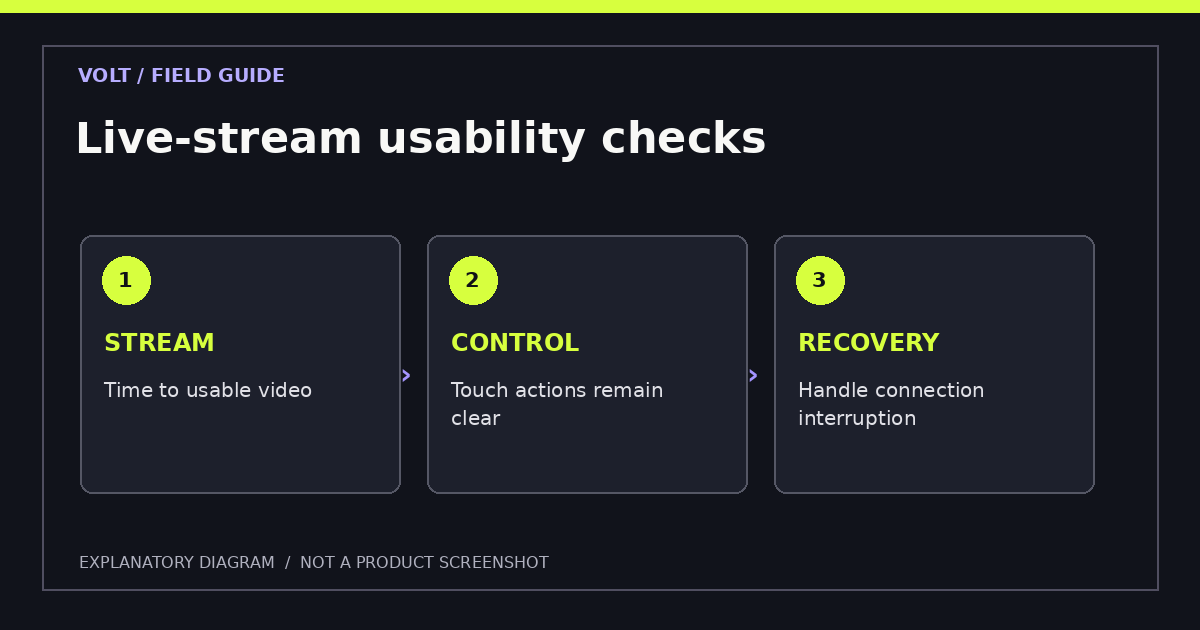
For readers who use larger text or assistive features, interface consistency matters. Check whether dealer information, action buttons and the route back to account limits remain accessible in both modes. A report should not present a high-resolution promotional video as evidence of live-stream quality on a real iPhone. Only documented device observations can support that result.
Further reading: Evaluate the access route using app versus Safari, the iPhone compatibility guide and licensing checks.
Sources
- Apple: App Review Guidelines
- Apple: iPhone Safari user guide
- New Jersey: Internet Gaming authorized sites
Last editorial review: 18 November 2026. Any live-stream testing claims require reproducible measurements before publication.