Quick answer: iPhone casino compatibility depends on the app's minimum iOS version, supported devices, storage, browser features and the operator's own mobile interface. Check the current App Store product page or official website for the exact requirement. An iPhone model name alone cannot guarantee that every game will run well.
Compatibility is a technical question. A device meeting the requirements does not mean the operator is authorized in your region; legal availability must be checked separately.
iOS version and iPhone device requirements
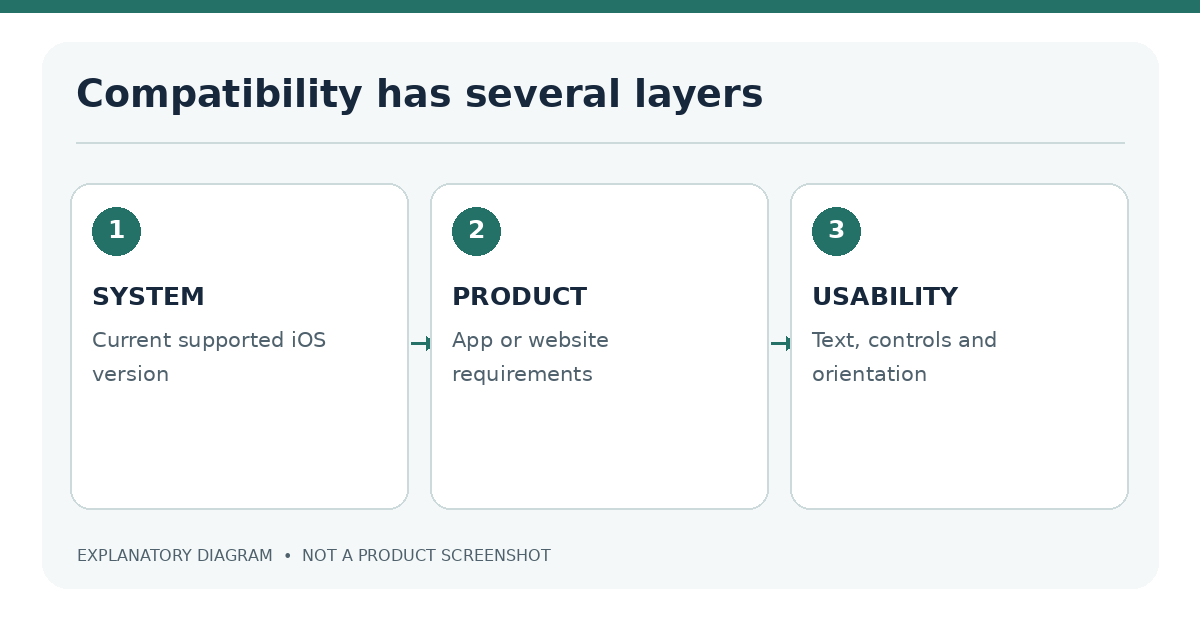
Apps can require particular iOS releases and hardware capabilities. Apple lists compatibility on each App Store page. Those requirements change when developers release new versions. An older iPhone may still browse the web but not install a newer native app, while some web games may also require capabilities absent in older Safari builds.
Minimum supported iOS version
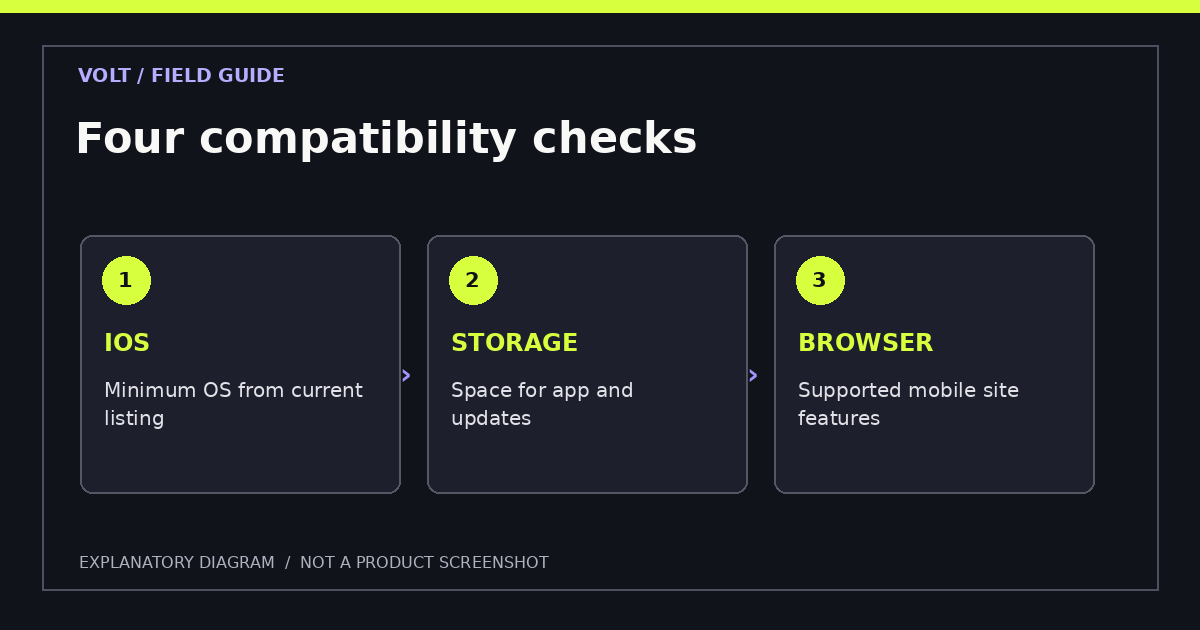
Avoid generic claims such as “all casino apps work on iOS 16” unless a defined sample has been checked. A useful compatibility entry must show operator/product, App Store storefront, required iOS version, check date and device tested. If a listing is not available to inspect, mark its minimum version unverified.
| Technical field | Where to check | What to record |
|---|---|---|
| Minimum iOS | App Store compatibility | Exact minimum and date |
| Device class | App listing or official site | iPhone support and constraints |
| App size | Store listing/device storage | Download size plus observed storage |
| Browser support | Official website and live test | Safari/iOS version and failures |
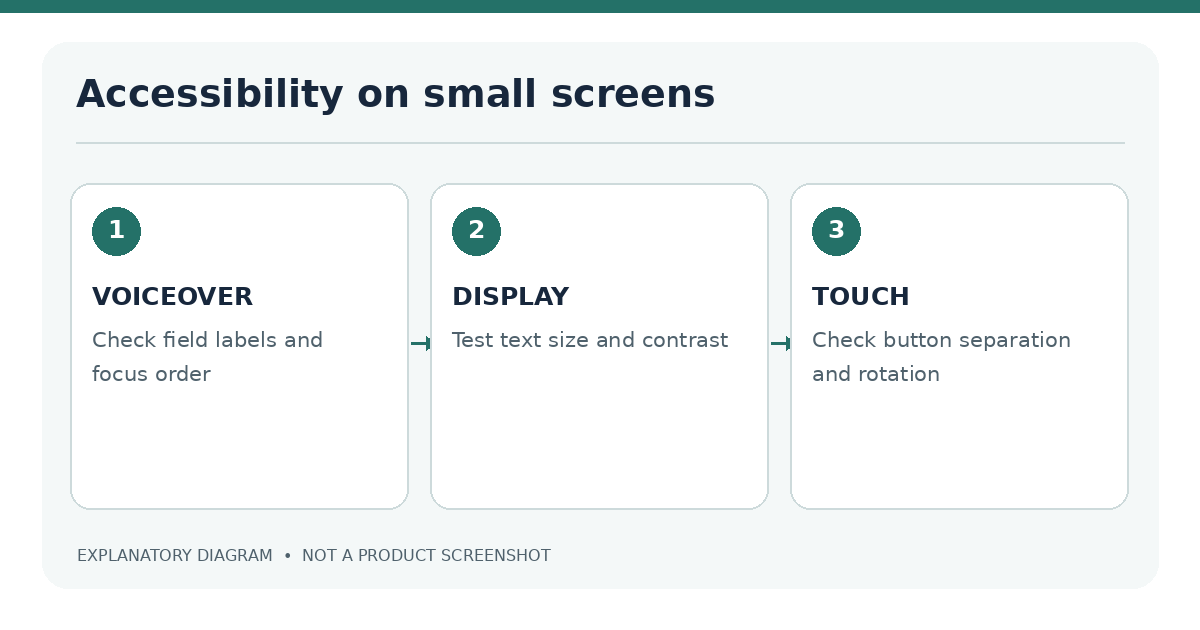
| Accessibility | On-device testing | VoiceOver, focus, font, orientation |
Compatibility is a moving requirement, not a permanent device label. An app can support an iPhone today and require a newer iOS version after a future update. The App Store compatibility field is the current starting point, followed by the operator's support documentation and an actual check on the intended device. Avoid publishing a universal minimum iOS version for "casino apps" because each publisher decides what its software supports and may change that threshold.
A specific model name also does not answer every question. Two iPhones can run different iOS versions, have different available storage and use different accessibility settings. A web-based game may be constrained by a particular browser feature, while an installed app may fail because of app data or an interrupted download. Distinguish minimum requirements (whether software can open) from usability (whether the interface is understandable and reliable).
| Compatibility field | Where to check | What it can explain |
|---|---|---|
| Minimum iOS version | Live App Store listing | App unavailable for an older installed iOS version |
| Available storage | Settings → General → iPhone Storage | Installation or update interruption |
| App update | App Store product page | Behavior changed after a release |
| Mobile website support | Official operator help page | Browser feature or known limitation |
| Accessibility | iPhone Settings and in-app controls | Text size, focus and contrast difficulties |
App Store compatibility and update checks
Open the verified listing and inspect compatibility before installing. If an update is offered, note the release date and any major change to device requirements. Check iPhone storage and software updates through Apple's own settings. A website asking for an unofficial update package or management profile should not be trusted without independent verification.
App size and available storage
The download size is not necessarily the installed footprint. Caches, saved assets and updates may use additional space. Settings → General → iPhone Storage helps you see current usage. If free space is low, remove unnecessary files using supported iOS controls rather than installing a storage-cleaner advertised by an unknown casino site.
Safari and mobile web feature support
Mobile web games may rely on JavaScript, real-time streaming, canvas graphics and access to account or location features. Old Safari versions or unstable networks can cause slow loading and incorrect layouts. Check the verified site in both portrait and landscape modes. Do not conflate a blank game window with a legal access block; the causes and correct responses differ.
If browser access is supported, compare it with the native app versus Safari guide. If something has stopped working, follow the troubleshooting checklist before clearing browser data or deleting an app.
Screen sizes and iOS accessibility
A working game is not necessarily usable. Small text, poorly labeled controls and chips too close together can be barriers on compact screens. iOS accessibility settings may improve general usability, but game canvases do not always respond to Dynamic Type or screen-reader navigation.
VoiceOver and display settings
Test at least these tasks: opening a menu, reading an account balance, identifying actionable controls, understanding a game error and locating a sign-out or limit-setting function. Turn on VoiceOver during a device test, check focus order and record inaccessible elements. Test larger text, display zoom and orientation changes when relevant. Do not mark an app “accessible” based solely on the publisher's claim.
Test with the accessibility controls people actually use. Dynamic Type or larger text may make an account form harder to navigate if a design truncates labels. Display Zoom can affect touch targets and spacing. VoiceOver users need descriptive button names, logical focus order and announcements for error states. In landscape orientation, confirm that navigation and confirmation actions remain available rather than disappearing beyond the safe area.
Some game layouts rely on drag gestures, fast animations or tiny betting controls. A compatibility review should report these demands separately from technical loading success. A game that starts on an older iPhone but cannot be operated comfortably is not fully usable for every person who owns that model. Record any accessibility limit without guessing at a device-wide failure.
For repeatable findings, include screenshots with personal account information redacted, note the test date, and state whether problems occur in Safari, the native app or both. A support report containing those details is more useful than a single statement that the site "doesn't work on iPhone".
How to record compatibility test results
Use a repeatable test sheet rather than relying on memory:
- Record model, iOS build, browser/app version and network.
- Identify the exact verified product and permitted jurisdiction.
- Test launch, login screen, navigation and a permitted demo/game screen.
- Check orientation, text visibility and error recovery.
- Test accessibility features relevant to the audience.
- Date the evidence and capture screenshots that contain no personal information.
Why is an app not compatible with my iPhone? It may require a newer iOS version, unavailable hardware or a product not offered in your storefront.
Can Safari replace an unsupported app? Sometimes, if the operator offers an authorized mobile website compatible with your browser.
Does a faster phone guarantee faster games? No. Server response, game assets and network conditions also matter. Quantitative performance claims need controlled testing.
Use a simple test matrix rather than a single "works" tick. For each software route, record whether installation or initial loading succeeds, whether navigation is usable, and whether the intended game or account screen functions without critical errors. Add the exact test date and distinguish the operator's publicly stated minimum requirements from an editor's real-device observations. A test that cannot proceed because of a lawful location restriction should be marked "not eligible to test", not "failed compatibility".
If multiple iPhones are compared, keep their software versions and accessibility settings visible in the record. A failure on one older device does not establish that every older iPhone is unsupported. Conversely, a successful launch on a current phone does not prove support for every display size. When a device-specific problem is resolved after an update, retain the original test conditions rather than silently rewriting the historical result. This makes the article maintainable when iOS and apps change.
Further reading: A supported iOS version is only one part of the check; also review App Store installation, Safari access and app versus browser testing.
Sources
Last editorial review: 18 November 2026. No specific iPhone or operator compatibility test is claimed.