Quick answer: An iPhone casino can be a licensed real-money gaming service accessed through a native iOS app or a mobile website in Safari. Whether you can use it legally depends on your physical location, age and the operator’s permissions—not the type of phone you own. Start with the relevant regulator’s register, confirm the exact website or publisher, then check iPhone compatibility and account conditions. An App Store listing is not a substitute for those checks.
This guide compares the two ways of accessing casino services on an iPhone and explains what evidence a meaningful operator comparison should contain. It does not rank untested operators or combine regulated real-money casinos with sweepstakes and social gaming products.
iPhone casino options: apps and Safari
A native casino app is installed from the App Store and appears on the Home Screen. A mobile casino website opens in Safari. Both can offer account access, game catalogues and payment tools, but their features may differ by operator and market. Some companies support only one format. Others use an app for account management while making particular games available through the browser.
Native iOS apps versus browser casinos
| Question | Native iPhone app | Mobile website in Safari |
|---|---|---|
| Installation | App Store download; compatible iOS required | No separate casino app installation |
| Updates | App updates plus any server-side changes | Website changes appear when the page loads |
| Account sign-in | May offer device-specific sign-in features | Uses browser sign-in and cookie/session controls |
| Storage | Uses app storage and may cache game assets | Uses Safari website data and browser cache |
| Availability | Depends on storefront, licence and device | Depends on domain access, jurisdiction and browser support |
| Security | Check the publisher, permissions and licence | Check the domain, TLS connection and licence |
Neither format is automatically faster, safer or more suitable for every user. A convincing performance comparison needs the same iPhone, network, operator and test conditions. Our dedicated app-versus-Safari guide explains a repeatable method.
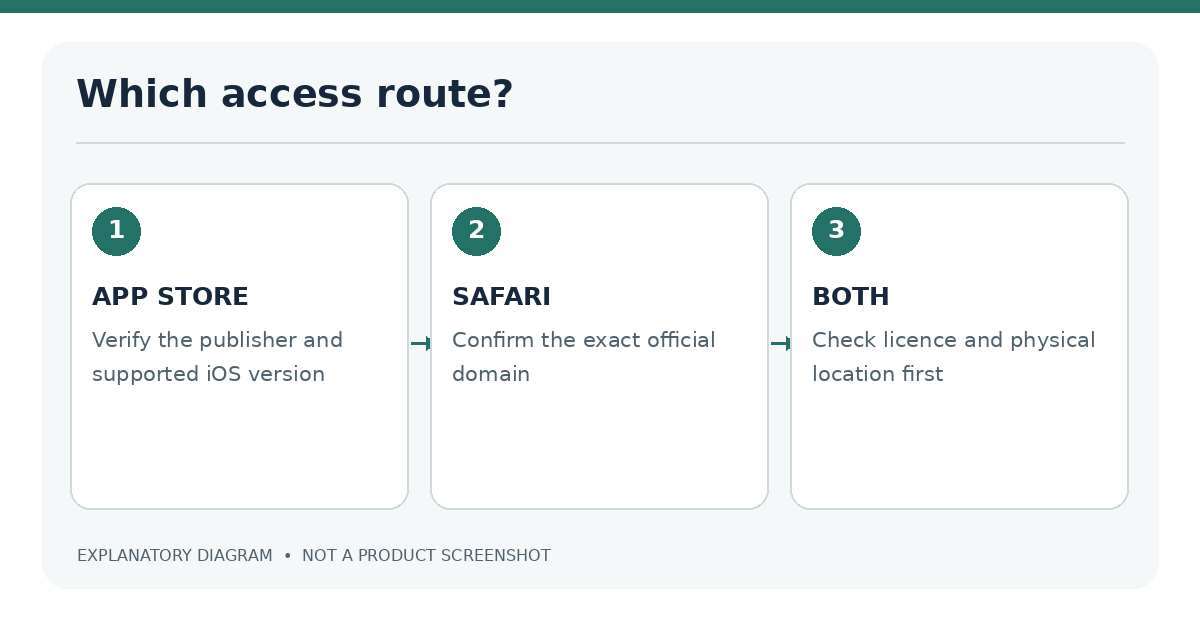
For people who do not want another installed app, Safari may be simpler. An app may suit those who prefer an installed interface, provided the publisher can be verified and the device meets the app’s requirements. These are practical differences, not endorsements of any particular gambling service.
How we verify licensed options and test iPhone usability
An operator earns consideration for a comparison only after its legal status is checked for the location under review. We start with the regulator, not an affiliate logo or a claim in the website footer. We identify the legal entity, search its licence record, match trading names and domains, and note the permitted activity. In the UK, the Gambling Commission publishes a searchable register. In New Jersey, the Division of Gaming Enforcement publishes authorized internet gaming sites.
A licence may cover only certain products or places. A company licensed for sports betting in one location is not necessarily approved to offer online casino games there. The legal entity behind the consumer-facing brand can also differ from the brand name. Our licence-checking guide walks through those differences.
Testing criteria and evidence
A published comparison should record the following, with a date attached to every observation:
- Regulatory identity: licence holder, licence status, covered activity and source link.
- iOS access: official App Store listing or verified mobile domain, with storefront/country identified.
- Device test: iPhone model, iOS version, network type and test date.
- Usability: navigation, readable controls, account access, supported orientations and accessibility features.
- Account terms: stated deposit limits, withdrawal methods, verification requirements and support channels.
- Evidence: original screenshots or measurements, plus clearly described testing limits.
| Evidence field | Example of acceptable evidence | Not sufficient |
|---|---|---|
| Licence | Active record on the official regulator site | A logo copied into a footer |
| App availability | Listing checked in the relevant App Store storefront | An old marketing screenshot |
| Game catalogue | Games seen on a permitted, tested account | A generic claim of “thousands of games” |
| Payment support | A method shown in the live cashier | A payment-logo image on a blog |
| Device performance | Repeatable test with conditions recorded | “Fastest iPhone casino” without measurements |
If any crucial field has not been checked, the corresponding comparison cell should say Not verified, not imply a positive result. Rankings, stars and “best” awards should not appear before the evidence exists.
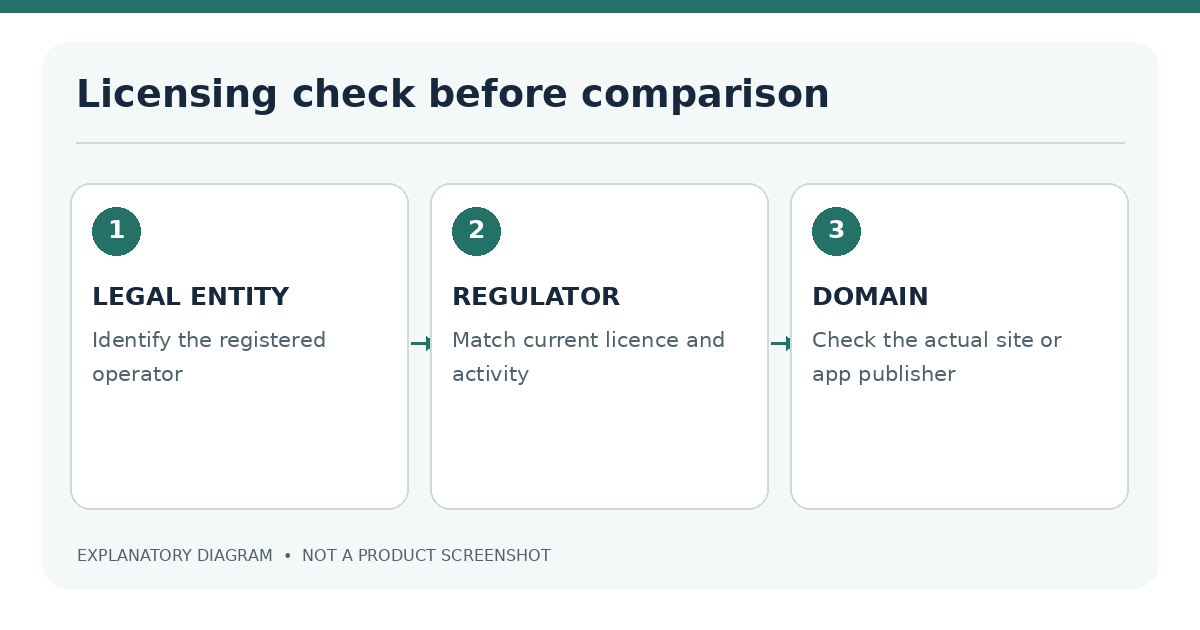
Why the comparison starts with a legal entity. An attractive casino brand name is not enough to identify a license holder. A trading name can be owned by one company, run by a different legal entity and displayed on a website managed by a technical supplier. The important question is which entity is responsible for offering the gambling activity to a customer in a particular location. A useful review shows that connection explicitly. It cites the regulator's record, describes the permitted casino activity, and states the territory covered by the check. Otherwise, two sites with similar branding could be incorrectly treated as the same regulated service.
For a real-money comparison, a reader should be able to retrace each evidence step without an account. That means being given the regulatory register, the relevant registered business name, the official domain or store listing checked, and the date. A statement such as "licensed and secure" without those details is a marketing assertion, not a verification method. The same applies to claims of mobile compatibility. A recent App Store review might describe an experience on an older device or a different national storefront. It cannot prove that a particular version works on the reader's iPhone.
Evidence has different levels of certainty. An official regulator record can establish an operator's current licensed status when checked, but it does not tell you whether a feature loads properly on an iPhone. An App Store listing helps establish the publisher and minimum software version, but it does not prove the operator can accept a wager from your current location. A cashier screenshot shows what appeared for one user under certain conditions, but it does not establish that the same payment option is available to everyone. The comparison must keep those observations separate.
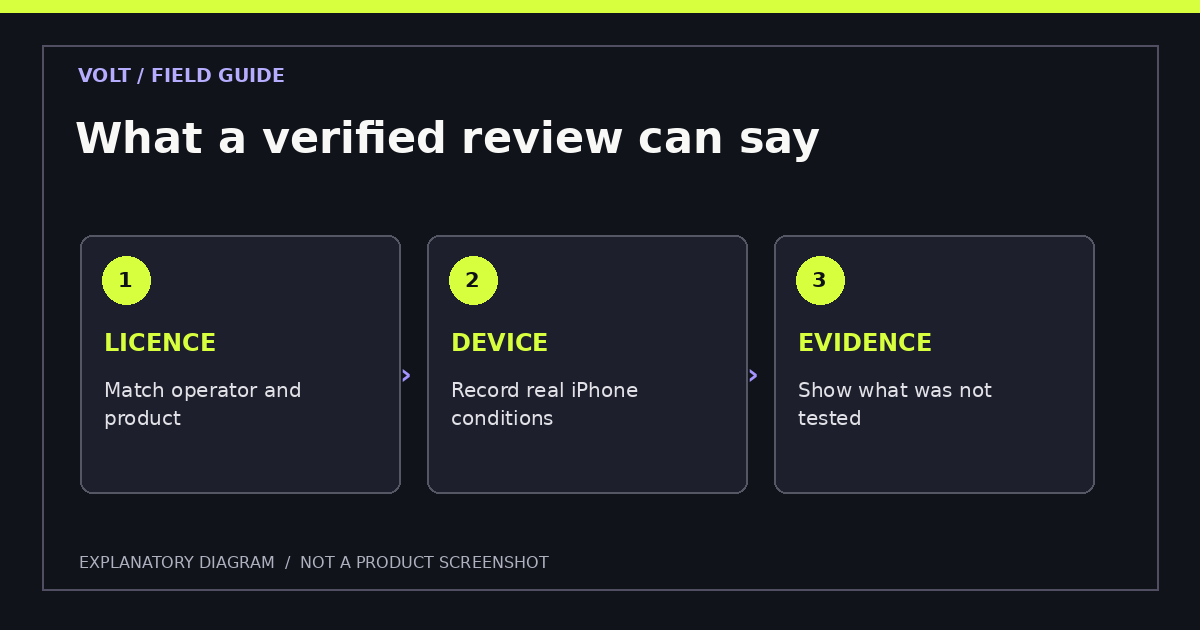
| Claim to publish | Evidence to preserve | Recheck trigger |
|---|---|---|
| Licensed to offer casino games | Official authority record and licensed activity | Regulator updates or changes to the operator |
| iPhone app available | Storefront, publisher, minimum iOS and date | App update or regional availability change |
| Mobile website supported | Exact official domain and browser test | Significant website redesign |
| Deposit method supported | Current terms and permitted cashier view | Payment provider or country rule changes |
| Performance result | Repeatable device log and test protocol | New app, iOS or game version |
A useful comparison also explains what has not been tested. For example, an editorial check might confirm a licence and app listing without opening a real-money account. It would be correct to say the listing was verified. It would not be correct to infer how long withdrawals take, whether a specific table game works or whether account support answers promptly. Readers should not have to guess which claims are first-hand observations.
Verified comparison by permitted location and iOS support
There is no universal iPhone casino list. The same brand may have different websites, products or approvals across countries and US states. A person visiting New Jersey cannot assume that the catalogue advertised to a British customer applies to them. Similarly, an App Store listing that appears in one country may not be offered in another.
Use a location-first process:
- Great Britain: Search the Gambling Commission public register and confirm remote casino permissions and the relevant domain. Then consult the UK iPhone casino guide.
- United States: Check the US state guide and the appropriate state regulator. Online casino availability is determined at state level; sports betting permission alone is not enough.
- New Jersey: Consult the official list of internet gaming sites and the New Jersey iPhone guide.
- Elsewhere: Identify the regulator with authority over the place where you are physically located. Do not treat another country’s licence as automatic approval.
Comparison publication status: No operator rankings are displayed here because current hands-on results, storefront checks and jurisdiction-specific licence records have not been supplied for publication. This is deliberate: a table containing invented winners would be less useful than a documented evaluation method.
Casino games, deposits and withdrawals on iPhone
The iPhone is a display and access device; it does not determine the gaming rules, available payment instruments or withdrawal conditions. Those come from the licensed operator and the jurisdiction. A site may offer digital slots, electronic table games and live-streamed tables, but availability can differ among app, Safari and geographic versions.
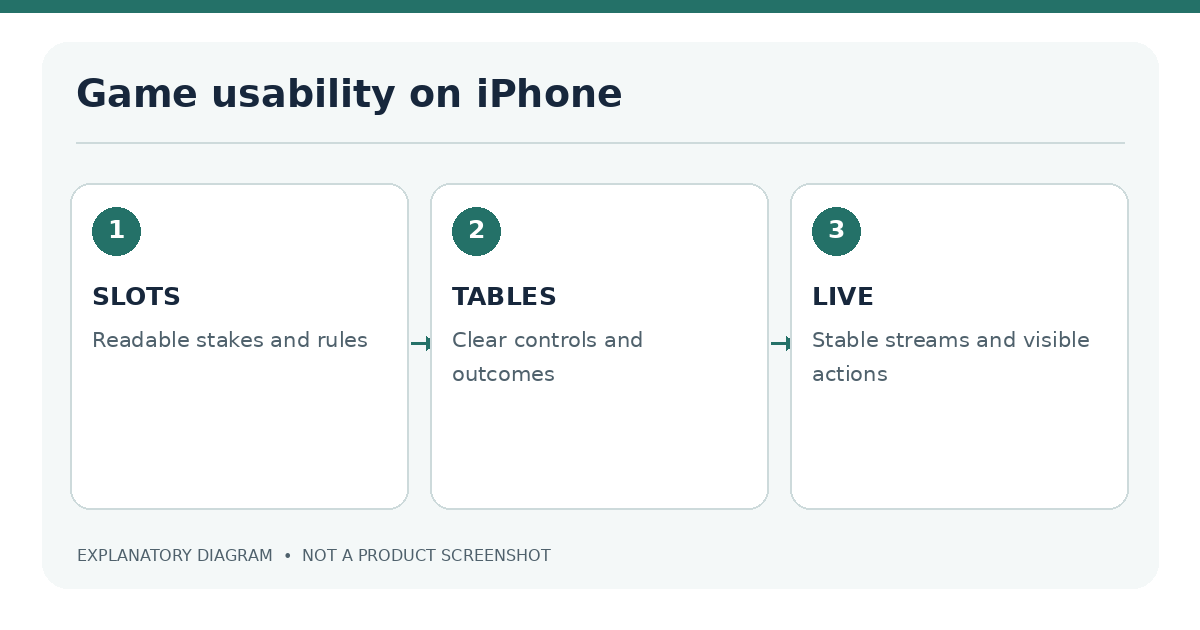
| Game format | What to examine on iPhone | Related guide |
|---|---|---|
| Slots | Tap-target spacing, game orientation, visible rules and RTP information | iPhone slots |
| Blackjack | Table layout, readable cards, time limits and rule variation | Blackjack for iPhone |
| Roulette | Chip controls, bet-slip confirmation and wheel visibility | Roulette for iPhone |
| Live dealer | Stream stability, chat access, battery consumption and connection requirements | Live dealer games |
| Free-play games | Whether virtual credits can be purchased or redeemed | Free casino games |
A game described as free may still include in-app purchases. A social casino with virtual chips is also not the same legal product as a licensed real-money casino; sweepstakes variants need separate treatment. See social versus real-money casinos before interpreting any “free casino” offer.
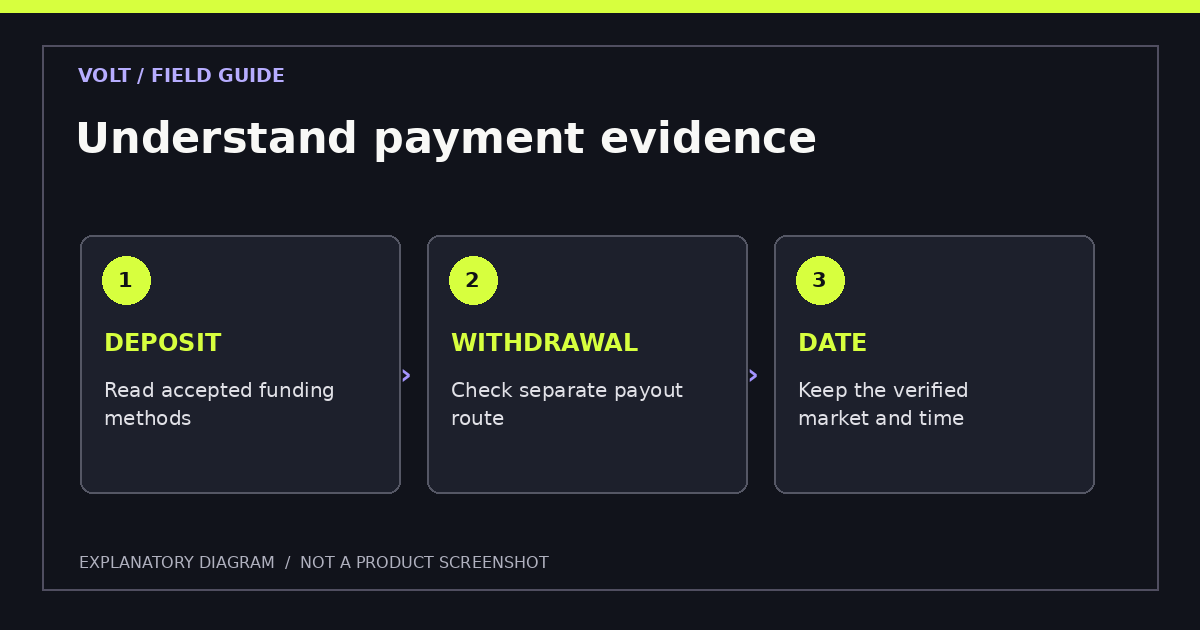
For banking, inspect deposits and withdrawals separately. A method shown in the deposit screen may not be used for payouts. Verification checks, bank processing, currency conversion and local rules can change the time and cost involved. The iPhone casino payments guide covers the general workflow, while the Apple Pay guide explains the difference between a genuine Apple Pay checkout and a saved card.
Avoid treating the Apple Pay logo as proof of a withdrawal option. Apple Pay may be a funding route where permitted, but withdrawal methods must be checked in the operator’s current terms and account interface. Similarly, app access does not mean payouts are faster than through Safari.
Small-screen evaluation should be task-based. Instead of assigning a vague "mobile-friendly" label, inspect specific actions: can the user find game rules without covering the game controls; are betting amounts readable without zooming; does a table switch predictably between portrait and landscape; does the site retain context when Safari reloads a page? Testing one menu is not the same as testing the entire journey, especially when an account verification screen interrupts normal navigation.
Payment screens need the same care. A supported deposit method may have separate minimums, country restrictions, identity checks and withdrawal arrangements. Apple Pay appearing as a deposit option does not establish that withdrawals can be sent through Apple Pay. Where the operator has different account or cashier pages for different territories, the comparison should identify which version was inspected. Payment processing time claims need a defined starting point: approval by the operator, transfer by the provider or funds actually reaching the customer's bank are different events.
The most useful iPhone comparison is therefore not the one with the longest list of logos. It is the one that lets someone with a particular device and jurisdiction decide whether a legal service is worth investigating further, and makes uncertainty visible before any money or identity information is submitted.
Legal availability and common questions
How access differs by location
Real-money casino law follows the jurisdiction, not the App Store region selected on an iPhone. Some US states license full online casino products; many do not. Within a licensed state, an operator may need to check your actual location before allowing paid play. Being a resident of the state is not always the same as being physically present there. The casino location verification guide explains the technology and privacy settings without suggesting ways around it.
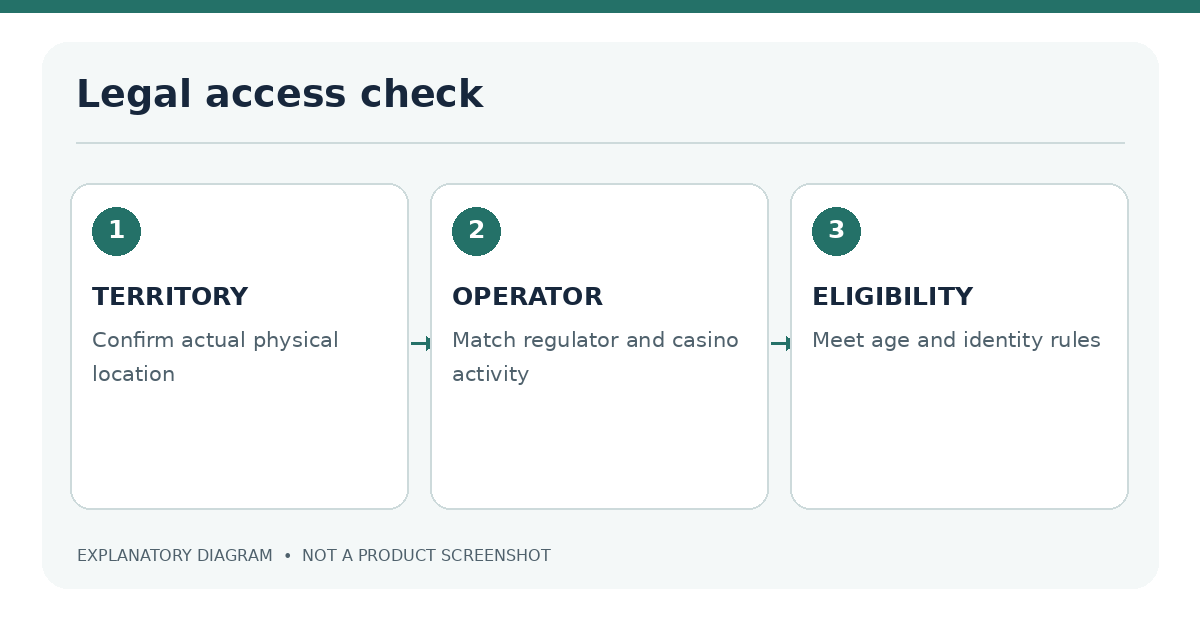
Apple’s review rules require real-money gaming apps to have the necessary permissions where they are used and to be geo-restricted to those locations. The rule governs app submission; it does not replace gambling regulation. A suspicious link that claims to provide an “unrestricted” iPhone casino app should be treated as a warning sign.
Can I use an iPhone casino without installing an app? Sometimes. A verified operator may provide a Safari-compatible mobile website. Check whether that access method is supported in your permitted region.
Are all App Store casino games for real money? No. Many are social games using virtual currency. Read the app description, purchase information and the rules for any claimed prizes.
Does a verified licence guarantee that I will win or that the app never fails? No. Licensing is an important legal and oversight check, but it does not remove financial risk or prevent technical incidents. Game outcomes remain uncertain.
How do I protect my account? Use a unique password, available multifactor authentication, official support links and verified payment screens. Review the iPhone casino safety checklist.
What if gambling stops feeling manageable? Licensed operators may offer limits, account breaks and self-exclusion; iPhone Screen Time can help reduce access but does not replace operator controls. See responsible gambling tools for iPhone.
Further reading: For market-specific information, compare Great Britain, the United States and the dedicated casino licence verification process.
Sources and editorial status
- Apple App Review Guidelines, section 5.3 — licensing and geographic restrictions for real-money gaming apps.
- UK Gambling Commission public register — licence verification.
- New Jersey Division of Gaming Enforcement: authorized internet gaming sites — local operator approvals.
Editorial review: 18 November 2026. Legal rules and operator availability require rechecking before publication. No operator testing or ranking is represented as completed.