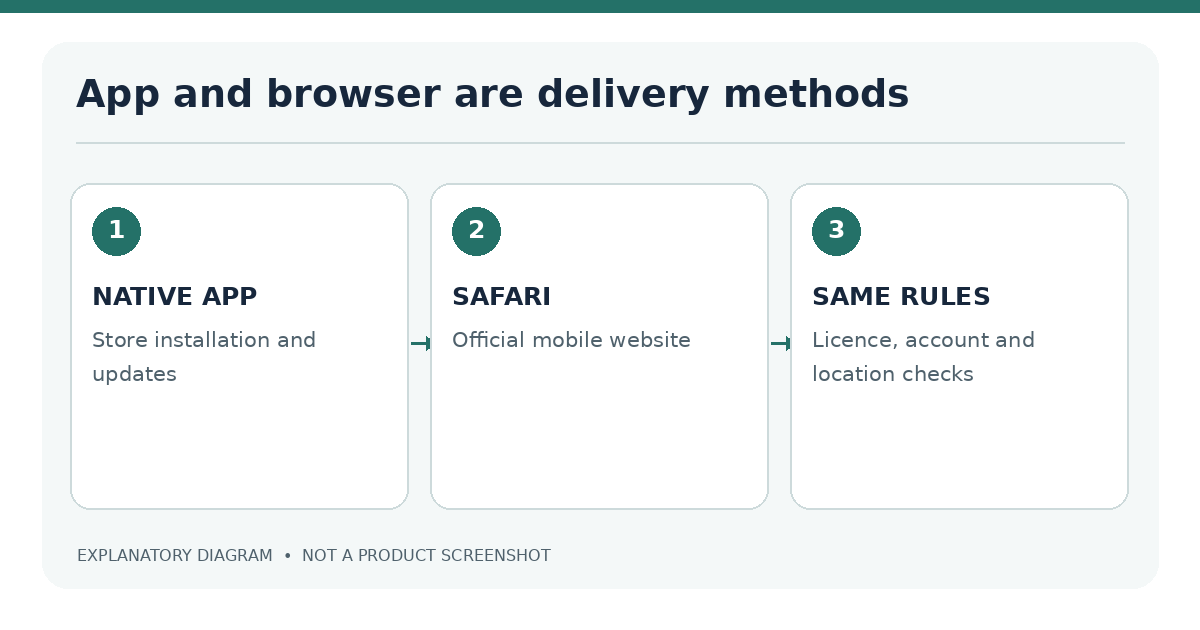
Quick answer: A native casino app is installed on the iPhone, while a mobile casino website runs in Safari. Neither is inherently faster, safer or more legal. The better technical choice depends on the operator's supported features, your device, the permitted market and your preference for installing software. Meaningful claims about speed require a side-by-side test on the same phone and network.
The comparison below concerns the access method, not a ranking of gambling operators. First confirm that the underlying service is authorized where you are physically located.
Native app versus browser: feature comparison
| Feature | Native iOS app | Safari mobile site |
|---|---|---|
| Setup | Download and installation | Open verified website |
| Software maintenance | App Store updates | Browser/iOS updates; site updates happen server-side |
| Storage | App files, cached data | Website data and browser cache |
| Sign-in | Operator-dependent device options | Browser session and account sign-in |
| Game coverage | May be limited by app build or market | May differ from app catalogue |
| Home Screen access | App icon | Optional website shortcut |
| Permissions | iOS app-level permissions | Site permissions managed through Safari/iOS |
Native app advantages and limits
An app can provide a tailored layout, push notifications and a familiar Home Screen entry point. It may retain certain interface assets locally, which can reduce repeat downloads. These are possibilities, not features every casino app has. An installed app consumes storage and may require a supported iOS version before you can sign in.
The listing must be linked to the legitimate operator or authorized publisher. Check the current App Store privacy details and whether the app actually offers the intended product in your region. Installing a branded app does not waive location or identity requirements.
Mobile web advantages and limits
Safari avoids a separate casino installation and can be convenient on a device with limited storage. Modern mobile websites can be responsive and may offer many of the same account functions. A website shortcut can appear on the Home Screen, but it remains web-based access unless the site has specific web-app behavior.
Browser experiences depend on current website code, cookies, network performance and device settings. Poorly optimized sites may reload frequently or produce cramped game layouts. The browser path also carries phishing risk if you mistype the address or follow an imitation domain; verify the official URL before signing in.
Speed, stability and game availability
Performance claims need precise definitions. “Loads fast” could mean time until the login screen, first interactive menu or playable game. Those are different measurements. A game stream may load promptly on Wi-Fi but struggle with weak cellular reception regardless of whether it is displayed inside an app or browser.
Same-iPhone testing setup
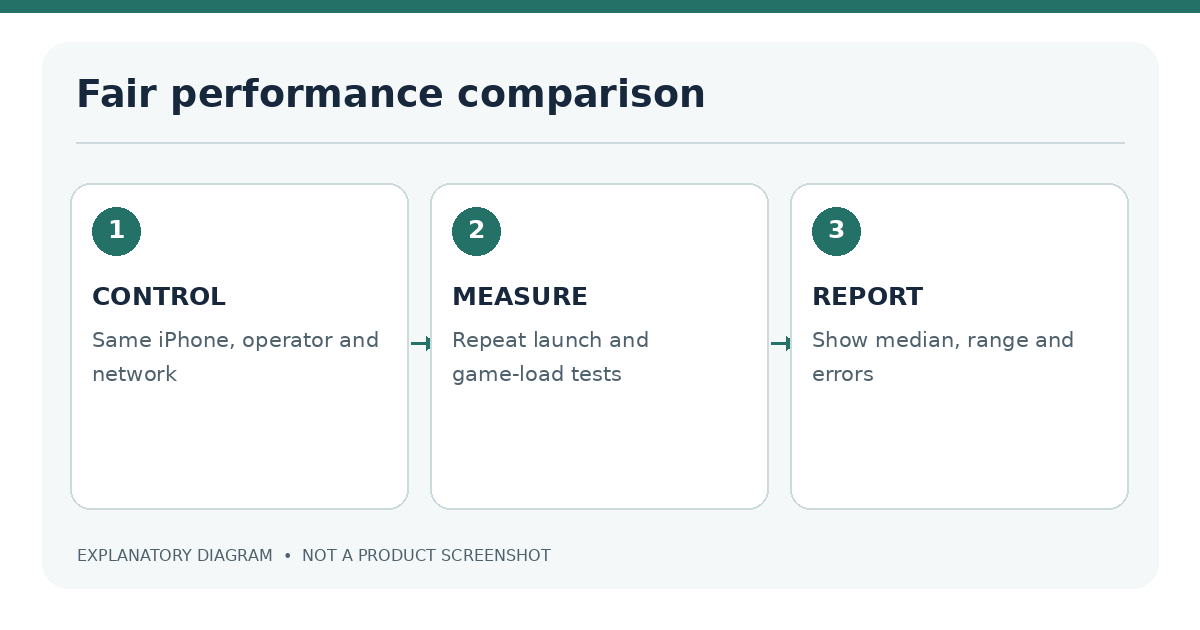
A fair comparison should use a fixed methodology:
- Select one authorized operator supporting both app and Safari in the same market.
- Record iPhone model, iOS build, app version, Safari version, network and test date.
- Start with a fresh app launch and clean browser session as documented; note any retained caches.
- Measure the same tasks: launch, sign-in screen, catalogue navigation and game open time.
- Repeat measurements enough times to see variation; report median and range rather than a single best run.
- Record crashes, error messages, orientation issues and accessibility limitations.
| Metric | App result | Safari result | Notes |
|---|---|---|---|
| Cold launch to usable interface | Not tested | Not tested | Same model and network required |
| Game load duration | Not tested | Not tested | Same title and server required |
| Session interruption | Not tested | Not tested | Define observation period |
| Battery use | Not tested | Not tested | Consistent brightness and duration |
No timings have been invented for this article. A separate multi-app benchmark should only be published with recorded raw measurements. Qualitative observations in this article must not be relabelled as quantitative findings.
Availability may also differ. The operator's app may omit a game that appears on the mobile website, or vice versa. Look at current catalogues rather than assuming that one format always contains more titles.
Test what the user actually notices. A cold start for an installed app includes opening it after it has been fully closed; a cold website start includes loading the official page in a fresh Safari session. Those are not necessarily equivalent operations. An app may have game assets stored locally, while a website can benefit from Safari's cache. For that reason, record both a first load and a repeat visit rather than selecting a single favorable result. The outcome can change after an app update, Safari change or switch from Wi-Fi to cellular service.
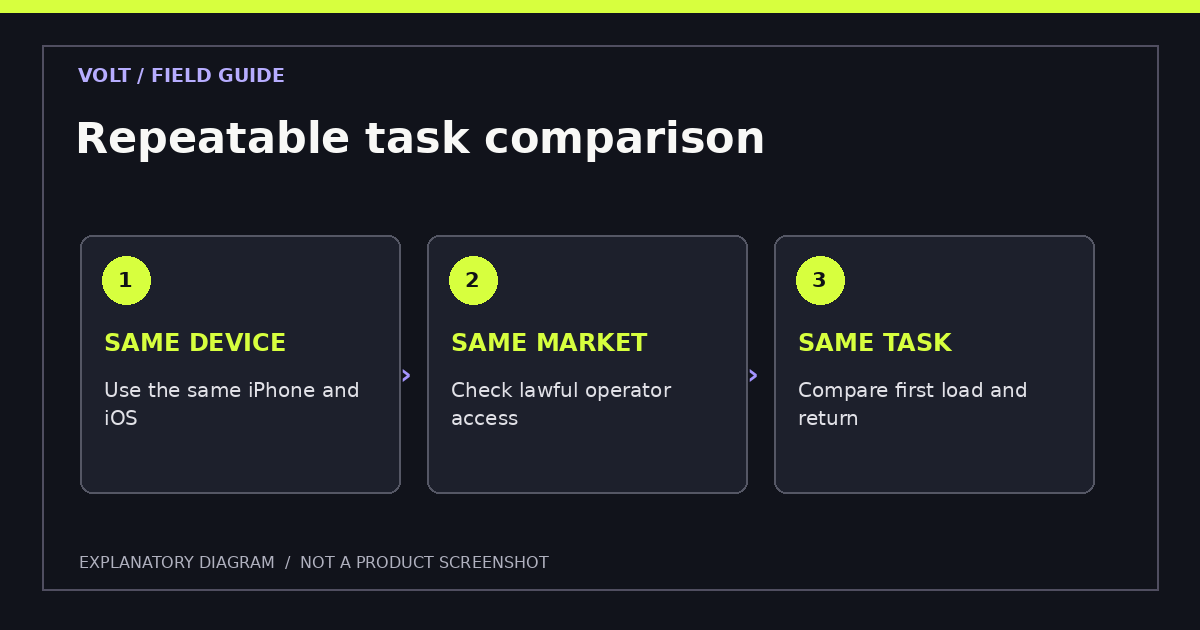
For a fair task comparison, use the same legal market and operator, and repeat several ordinary actions. Start at the home view, find a game category, open the rules, return to the catalogue and locate help or account settings. Document any feature that cannot be reached in one format. A "faster" experience with missing features may not be better for the task at hand. If a game catalogue differs between app and browser, report that separately instead of blending it into a speed score.
| Repeatable task | What to record | Why it matters |
|---|---|---|
| Open the main interface | Launch or load time, failures and loading state | Shows the first usable moment |
| Find game rules | Steps, legibility and unexpected overlays | Tests information accessibility |
| Return after interruption | Session behavior and recovery | Reflects real iPhone usage |
| Change orientation | Layout stability and hidden controls | Identifies screen-specific issues |
| Reach account controls | Clarity of limits, privacy and help options | Tests practical manageability |
Do not compare under different location conditions. A service might block one access route because it is unavailable in the user's territory. This is not a browser-performance defect. Record the access restriction and stop rather than adjusting location technology to produce a more favorable result. Network restrictions and lawful geographic checks are part of the environment that a review must accurately represent.
Payments, security and updates
Deposits and withdrawals are account-level services; being on an app does not make payouts faster. A bank transfer, card or digital wallet may be offered in a particular jurisdiction, yet the same operator might restrict that method elsewhere. See iPhone casino payment methods for separate deposit and withdrawal checks.
For account security, apply the same baseline to both formats: verified operator identity, strong unique password, available multifactor authentication and cautious handling of identity documents. On Safari, inspect the full hostname. In an app, check the publisher and current permissions. HTTPS protects a connection but does not prove that a website is licensed or genuine.
App updates can fix bugs, introduce changes or alter compatibility. Website updates may reach Safari users without a store download, although browser compatibility still depends on iOS. Keep both iOS and installed apps updated through trusted channels.
When each option makes sense
Choose the access method by the specific task, not a blanket “best” label.
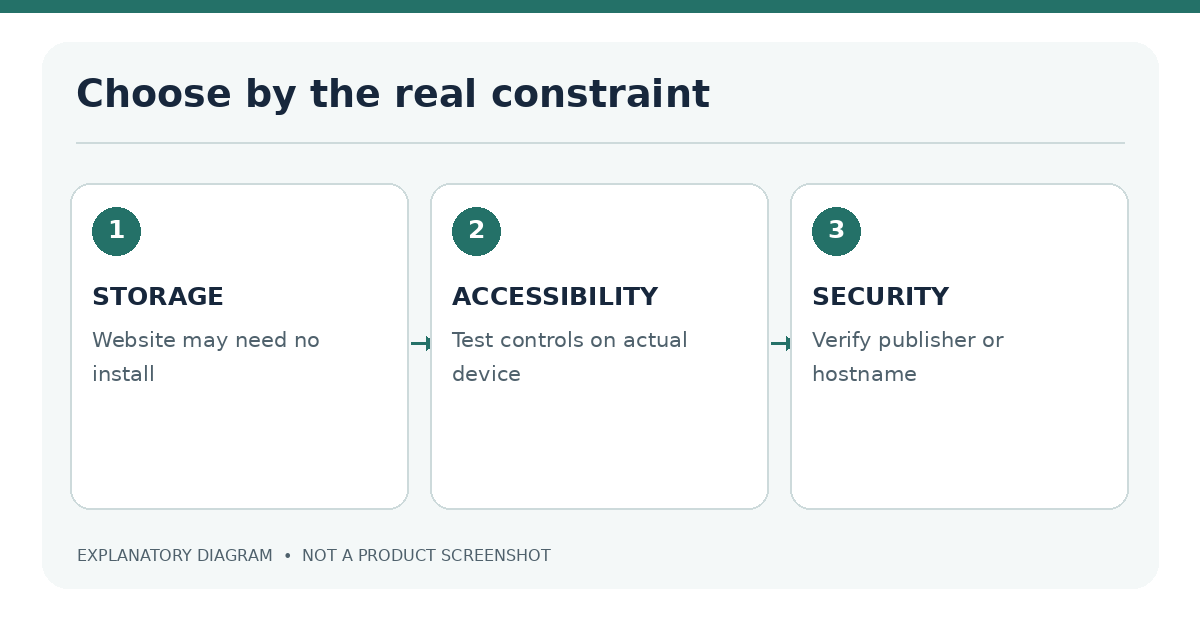
- Limited storage: A verified mobile website may avoid an additional app installation.
- Need for an installed interface: A native app can be convenient if the legitimate publisher, region and device requirements match.
- Older device: Compare the App Store minimum with the website's actual browser support; neither option is guaranteed to work.
- Accessibility priority: Test readable text, focus order, VoiceOver labels, landscape orientation and control sizes in the actual product.
- Location verification: Use whichever supported method reliably performs lawful checks without trying to bypass them.
- Privacy preference: Compare app permissions with Safari website permissions and the operator's published practices.
A person who occasionally checks account information may prefer a browser bookmark. A regular user may prefer an installed application. Neither preference changes the need for responsible gambling controls. Our responsible gambling guide distinguishes Screen Time limits from operator self-exclusion.
An installed app may suit a person who has sufficient storage and prefers a dedicated Home Screen icon. Safari can be preferable when the operator provides a complete mobile website and the user wants fewer installed applications. Both routes require care with account credentials and verified operator links. A website shortcut added to the Home Screen is still a website, even if it resembles an app icon. It should not be described as a native iOS application.
A practical decision is to choose the route for which the official operator publishes clear support information, not to assume the same experience exists everywhere. If an operator offers only Safari access for a given location, the absence of an app does not make the browser route less legitimate. If it offers an app, check the publisher and permissions instead of treating a familiar icon as proof of safety.
Testing methodology and limitations
This article describes how to compare app and browser access. It does not assert that any specific operator has been tested. Before adding winners, performance scores or screenshots, record the exact operator, location, device, test date and source evidence. Avoid publishing an all-purpose claim that applies to every iPhone model or every jurisdiction.
Is Safari less secure than an app? Not automatically. Security depends on the service, software updates, authentication, permissions and user behavior.
Does a Home Screen shortcut become a casino app? It creates a quick-access website icon. Its technical behavior depends on how the site is built; it is not proof of an App Store application.
Can an app be installed but unusable? Yes. Legal location checks, unsupported iOS versions, account restrictions or technical failures can prevent use after installation.
Further reading: Compare Safari setup, iPhone compatibility and the repeatable performance benchmark protocol before interpreting claims about speed.
Sources
Last editorial review: 18 November 2026. No hands-on app-versus-browser benchmark is claimed.