Quick answer: Some iPhone casino apps may be legitimate and appropriately licensed, but no gambling app is safe merely because it appears in the App Store. Verify its operator and local licence, review privacy information and permissions, protect the account, and use official payment and document-upload channels. A secure app also does not eliminate the possibility of gambling-related financial harm.
This guide focuses on software, account and data protection. Deposit limits, self-exclusion and support for gambling harm are covered separately in our responsible gambling tools guide.
App Store listings versus licensed operator legitimacy
An authentic App Store listing can provide useful information: the developer, age rating, privacy disclosures, version history and supported devices. Apple has rules for real-money gambling apps, including location-specific permissions. Those measures are not a replacement for checking the legal company and current regulator record yourself.
What Apple review does and does not guarantee
App review is a distribution process. A gambling licence is a regulatory authorization for particular activities and locations. A legitimate app can still have technical problems, confusing disclosures or account disputes. Conversely, a plausible app name and familiar icon are not proof of an approved operator.
Before signing in, follow the operator's verified domain to its official app listing. Compare the publisher and operator information, then check the relevant regulator's public record. Do not assume a website promoting the “latest casino download” is a trustworthy source of installation files.
App privacy labels, permissions and tracking
Casino services can process sensitive information, including identity details, payment history and location. Check the App Store's app privacy section and the operator's privacy policy for categories of data collected, purposes and retention statements. The label provides disclosures from the developer; it is not an independent audit of every privacy practice.
How to review app privacy information
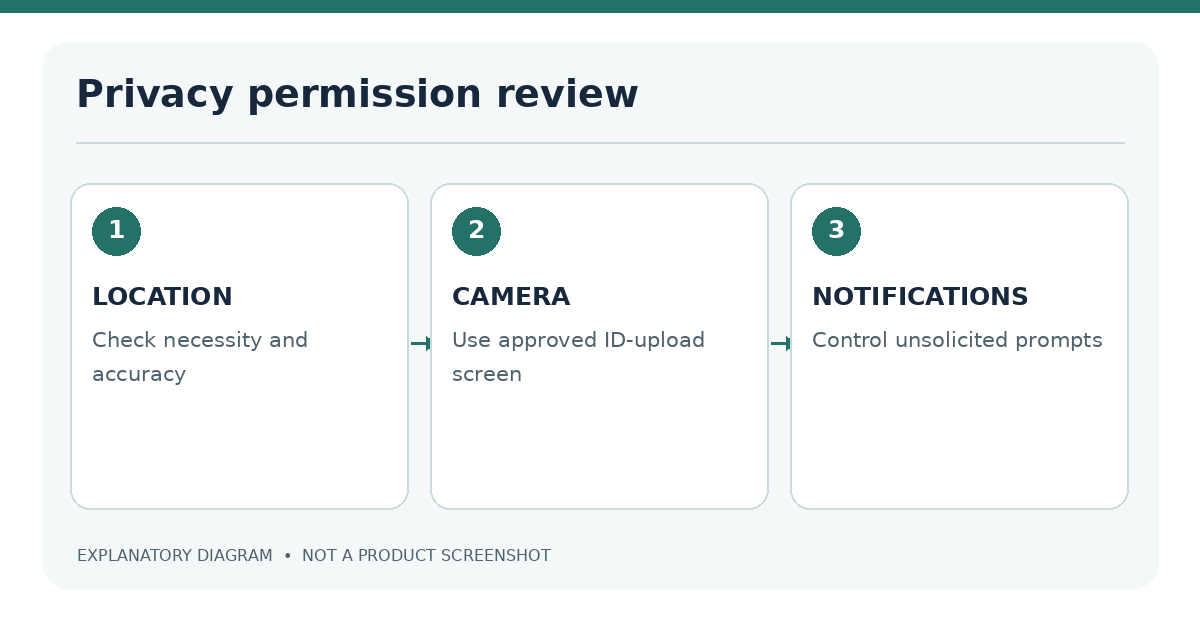
On the App Store product page, inspect the app privacy details and use the linked privacy policy. After installation, review Settings → Privacy & Security on iPhone. For location access, examine whether the service asks for approximate or precise location and whether a local gambling rule requires greater accuracy. For camera access, identify the exact identity-upload step before granting permission.
| Permission/data | Possible legitimate purpose | Question to ask |
|---|---|---|
| Location | Verify permitted physical jurisdiction | Is it required by the local licence? |
| Camera | Capture identification documents | Is upload through a verified secure flow? |
| Notifications | Account and product messages | Can marketing alerts be disabled? |
| Tracking/analytics | Attribution or usage measurement | Is consent offered where required? |
| Payment information | Funding and verification | Who processes and stores the details? |
Limit permissions to what the supported function needs. If an app asks you to install a device-management profile, provide an Apple Account password to “casino support” or share a verification code, stop and investigate.
Permissions deserve a purpose-by-purpose review. Location access may be necessary for a legal geographic check, but it should not be treated as a general invitation to collect data without explanation. Camera access can be requested during an identity-document upload. Photo-library access might be needed to select a document image, although a secure camera capture could avoid broad library access. Notifications are not essential for every user; marketing alerts can often be restricted independently of account-security messages. Read the operator's privacy terms to distinguish required processing from optional functions.
In iOS, permissions can be reviewed through Settings and the individual app's controls. The App Store privacy section is also useful, but it describes data practices supplied for the listing rather than acting as a legal assurance about an operator. Compare the description with the prompts that appear on the device. If an unexpected permission request appears with no understandable purpose, investigate before granting access.
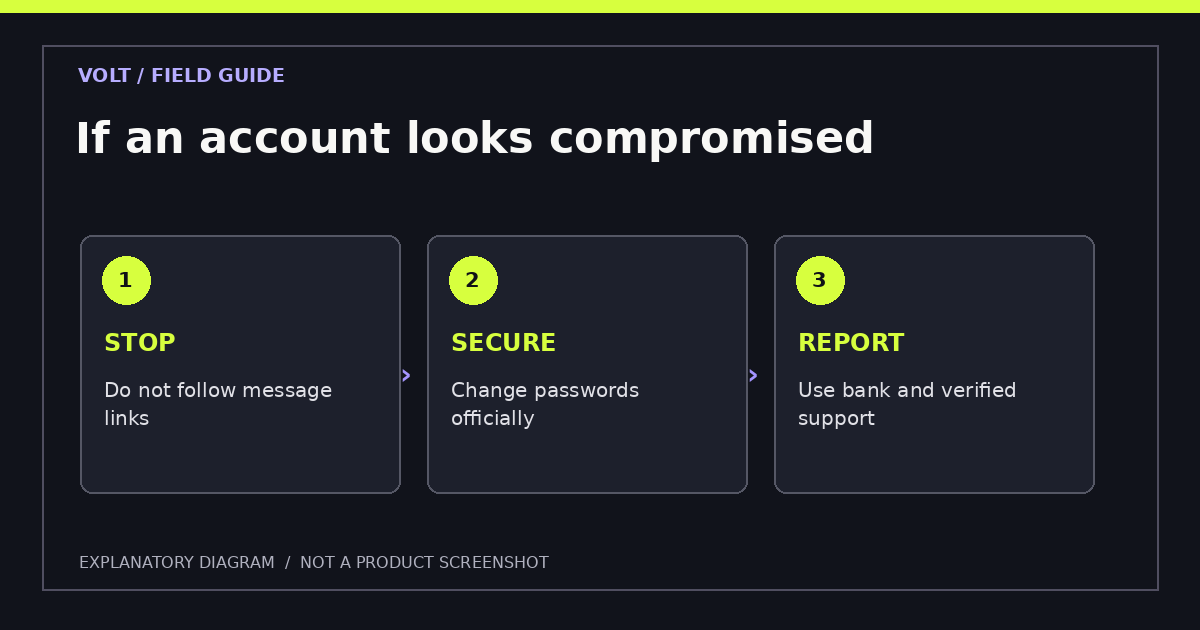
| Access request | Plausible user task | Question to ask |
|---|---|---|
| Precise location | Jurisdiction eligibility check | Is this required by the permitted market? |
| Camera | Capturing identity documents | Is the upload hosted by a verified service? |
| Photos | Selecting an existing document image | Can access be limited to a selected image? |
| Notifications | Account updates and messages | Can promotional alerts be disabled? |
| Browser cookies | Maintaining a signed-in session | Is the domain official, and can session data be cleared? |
Security is broader than malware. An authentic app can still expose users to financial risk, identity misuse, misleading promotions or account compromise. Evaluate these concerns separately. A verified licence is a regulatory check, not a guarantee against every data incident. Likewise, a modern iPhone helps protect a device but cannot make a weak password, phishing link or unauthorized gambling service safe.
Account protection and payment security
Use a unique password and the strongest sign-in safeguards the operator supports. Do not reuse a password from email or social accounts. Verify communications through the app or a known official domain instead of following links in unsolicited texts. A fake “withdrawal approved” message can be a phishing attempt, particularly when it demands a new document upload.
For transactions, use the operator's own cashier and inspect terms for each deposit and withdrawal method. Payment logos in advertising do not prove current support. A wallet option for deposits may not be an option for withdrawals. Learn more in iPhone casino payments.
Do not share a full card number, identity photos or a one-time password with someone claiming to be support over a private chat. Contact the operator through the support information you found on its verified site and retain a record of disputed transactions.
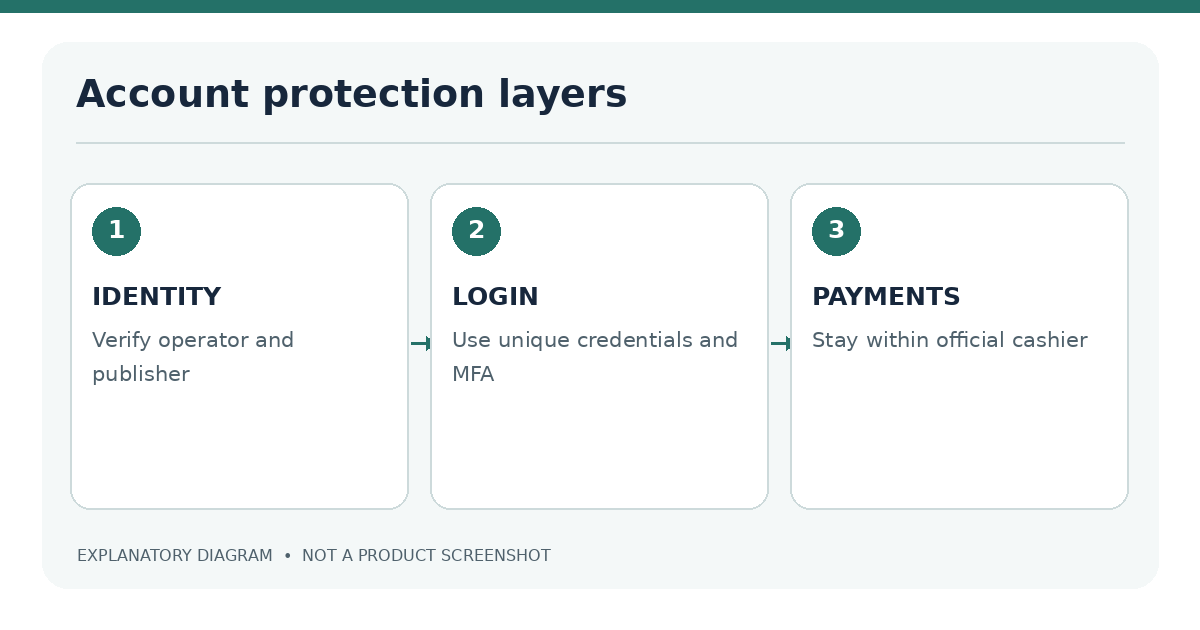
Use a password that is unique to the gambling account, and enable multifactor authentication where the operator offers it. Never type credentials into a page reached through an unexpected message or a sponsored search result without first verifying the destination. Payment information belongs only in the actual operator's supported, encrypted cashier flow. A direct message requesting a card photo, one-time login code or remote access to the phone is not a routine account check.
Treat requests for documents with similar care. Licensed services may legitimately need identity and age verification, but the upload channel and business identity must be verified first. Use the account's official support function if there is uncertainty about a request. Cropping or redacting information without following the operator's instructions may lead to rejection; sending extra personal data through an unverified channel introduces a different risk.
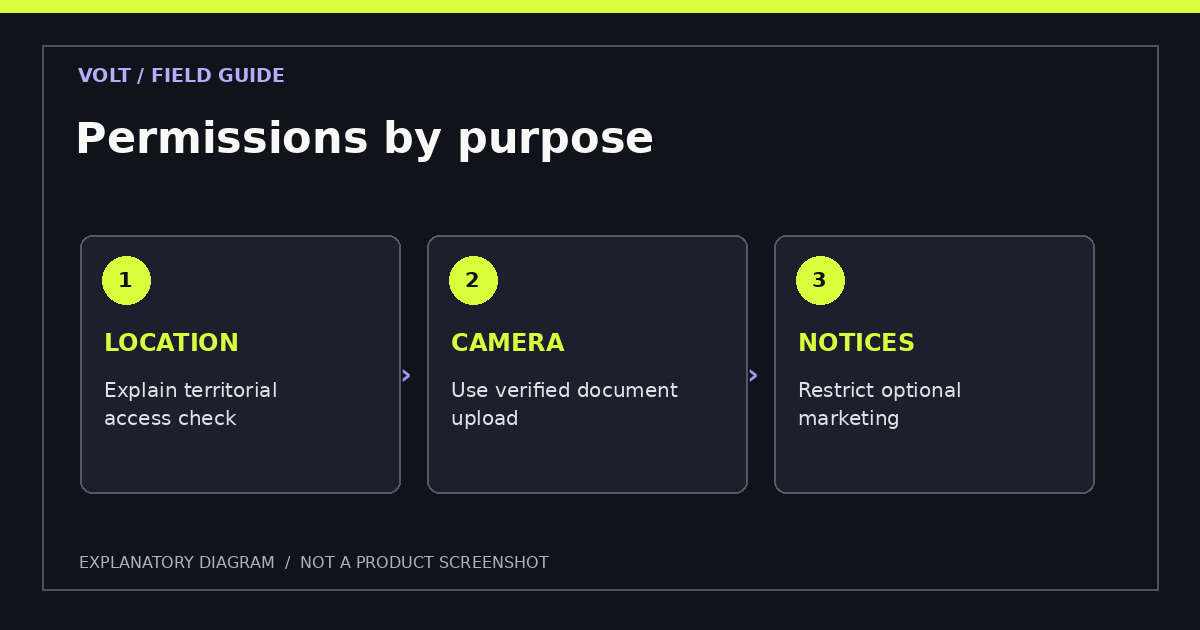
If an account is suspected of being compromised, stop using it, change relevant passwords through verified pages, review other accounts that reused the same credential, and contact legitimate support. For unauthorized financial activity, also contact the bank or payment provider. Retain transaction identifiers and messages, but do not post identity documents or full card information on public forums while seeking advice.
Safety checks before registering
- Identify the gambling model: real money, social virtual chips or sweepstakes.
- Confirm local legal eligibility and the appropriate operator licence.
- Verify the domain and App Store publisher against independent evidence.
- Read privacy disclosures, payment terms and complaint procedures.
- Check iPhone compatibility, supported updates and permissions.
- Turn on available account security tools and store recovery details safely.
- Find operator-set limits and self-exclusion options before using paid products.
Warning signs of impersonation apps
Look for slight variations in spelling, unrelated developer names, suspicious installation profiles, inconsistent support domains and requests to move sensitive conversations to private messengers. A cloned logo can be convincing. Independent regulator records and a consistent official domain are more useful than visual branding alone.
| Warning | Safer response |
|---|---|
| Unofficial IPA download | Use the verified App Store listing or stop |
| “Licence” image with no register record | Search the regulator directly |
| New support domain in unsolicited text | Return to the official site manually |
| Request for Apple Account password | Refuse and secure the account |
| Promise of guaranteed winnings | Treat as misleading; avoid depositing |
A safety decision is easier when it follows a fixed order: first the legal market, then the operating company, then the official website or app publisher, and only after that the account and payment controls. Reversing the order creates unnecessary exposure. Someone should not provide a passport scan to discover later that a casino's authorization does not cover their location.
Check how the operator explains complaint handling and account closure. A trustworthy support route should be reachable from the verified service and should not require off-platform fees for routine verification or withdrawal processing. Keep records of key terms before accepting them; terms can change, and screenshots of the user's own confirmations may help resolve disputes. Store such records privately, never in public review comments. If important claims remain inconsistent across the regulator, storefront and operator website, do not proceed until the inconsistency is resolved.
Security checklist and frequently asked questions
Is Safari safer than an app? Neither is automatically safer. A verified domain in an updated browser may be appropriate; a legitimate app also needs updates and sensible permissions. See app versus browser.
Does HTTPS prove a casino is licensed? No. HTTPS helps secure the network connection, but even a fraudulent website may use a valid TLS certificate.
Should I permit location access? Only after verifying the operator and understanding the purpose. Licensed services may legitimately require location verification in certain markets. Do not spoof location to evade a restriction.
What if I suspect an impersonation app? Stop interacting with it, avoid further payments, secure affected accounts and report the incident through Apple and the relevant regulator or payment provider as appropriate.
Further reading: For individual tasks, use the official app installation checklist, licence lookup guide and identity verification precautions.
Sources
- Apple App Review Guidelines
- Apple Support: Manage Location Services
- UK Gambling Commission: What to look at before you gamble
Last editorial review: 18 November 2026. Operator-specific safety claims require direct verification before publication.