Quick answer: Casino identity verification, often called KYC, confirms who owns an account and whether they meet legal requirements. On iPhone, a legitimate operator may ask for personal details, identification documents or other evidence through a secure account flow. Check the operator's licence and upload destination before sharing sensitive information.
Identity verification is different from geolocation. A document can establish a person's identity while location technology checks where their phone is being used.
Why licensed operators request identity checks
Licensed online gambling businesses may need to confirm a customer's age and identity and meet anti-money-laundering obligations. In Great Britain, the Gambling Commission states that online gambling businesses must ask customers to prove their age and identity before gambling. Requirements elsewhere can differ in timing and scope.
An operator might ask follow-up questions when details do not match or additional financial checks are required. An unexpected request should be verified through the official account and support channel, not answered by replying to a text message.
Common document requirements
Possible documents include a government-issued ID, a proof-of-address record or other material required by the operator's jurisdiction. The precise accepted list must come from the regulated operator's current instructions. Do not assume every casino accepts the same document type or file format.
Document type and eligibility differ by jurisdiction
| Check | What it may establish | Practical iPhone consideration |
|---|---|---|
| ID document | Name and birth date | Clear edges, legible text |
| Address document | Registered address | Correct date and accepted format |
| Payment ownership | Account holder relationship | Never expose unnecessary card details |
| Live selfie/liveness | Link between person and ID | Follow verified on-screen instructions |
| Location | Physical jurisdiction | Different process from document KYC |
Share only what the verified operator legitimately requests. If a request seems excessive or unrelated, consult its privacy policy and support procedures before uploading.
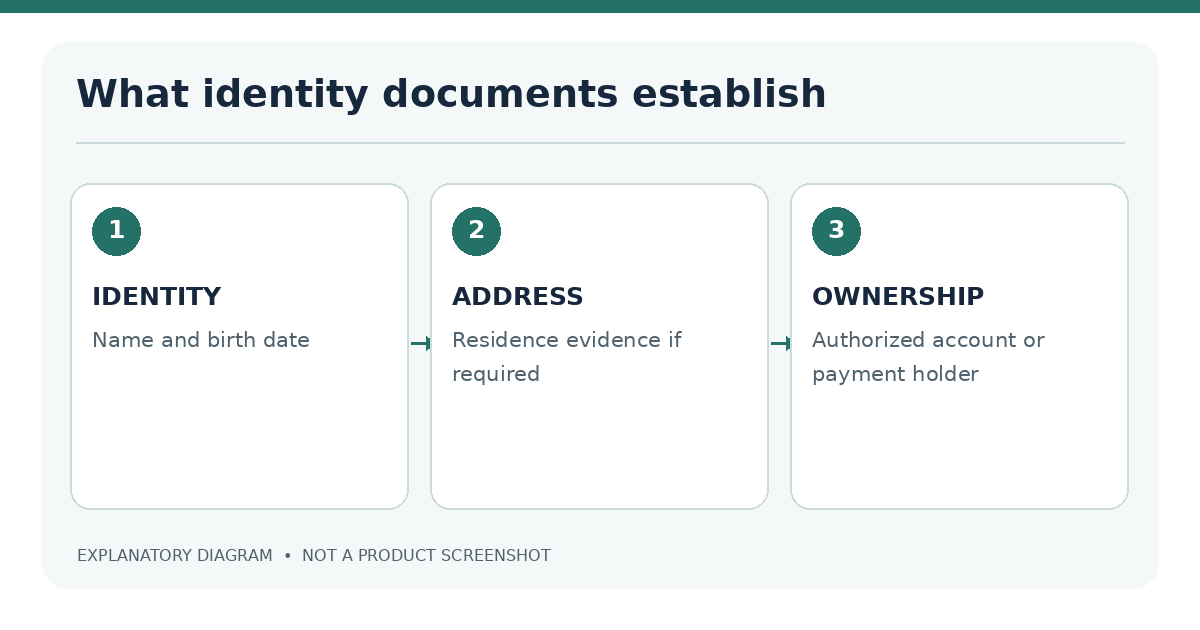
Identity checks may ask for proof of name, date of birth, residence or payment ownership, depending on the operator and the governing law. The exact accepted documents and timing must come from the operator's official, local requirements. An article should not state that every casino accepts the same national ID, that one image format always works, or that verification must finish within a fixed number of hours.
Before uploading, read the instructions on the verified site or app. A document photo can fail because the required details are cropped, a glare obscures text, the image is too small or the wrong side was submitted. A rejection may also be caused by account mismatches that cannot be fixed through camera settings. If the operator requires additional information, seek the reason through its authenticated support process rather than repeatedly sending unrelated documents.
| Rejection reason | Safe first response | What not to do |
|---|---|---|
| Blurry text | Retake in even light on a stable surface | Apply filters that alter details |
| Missing edges | Include the whole requested document | Crop to hide required fields |
| Wrong file type | Follow the listed format rules | Use untrusted conversion websites |
| Name mismatch | Check the account's official correction procedure | Create a second account to bypass review |
| Unclear verification request | Contact verified operator support | Upload files through an unsolicited chat link |
Using an iPhone to upload documents securely
- Open the verified app or official website directly.
- Confirm that you are on the account's legitimate identity-verification screen.
- Read the allowed document types, size limits and permitted formats.
- Photograph documents in good light against a plain background, without covering required fields.
- Review the image for blur, glare and cropping before submitting.
- Use the operator's secure upload tool and wait for a clear status message.
- Avoid resending documents repeatedly unless verified support requests it.
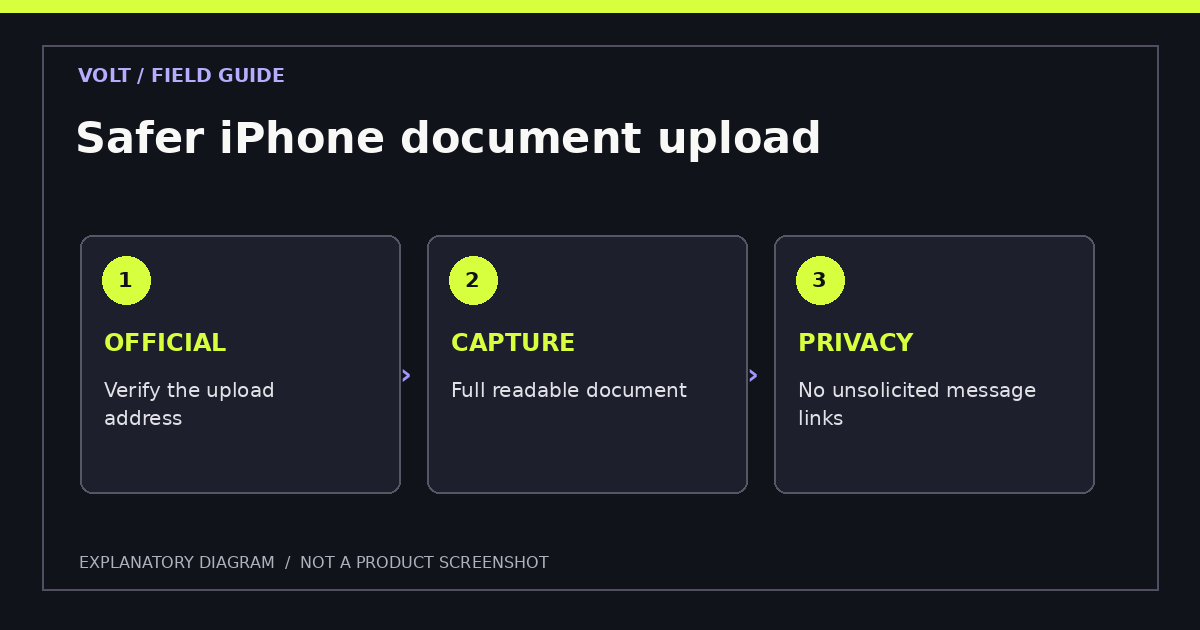
Photo clarity and accepted file types
Reflections, missing corners and compressed images may cause legitimate checks to fail. The operator may prefer images captured live rather than screenshots or uploads from an existing album. Follow the official instructions, and do not edit dates, names or identity details to force a match. Fraudulent documents are not a troubleshooting shortcut.
A straightforward capture workflow is to use the official app or web upload screen, place the document on a contrasting flat surface, avoid reflections and inspect the image before submission. Do not take a screenshot of a third-party message asking for documents and assume it is an official verification flow. The address bar or app publisher must already be verified. Public Wi-Fi and shared devices introduce additional privacy concerns when sensitive documents are involved.
After submission, retain any confirmation identifier but avoid storing unnecessary document copies in insecure shared folders or messaging threads. iPhone photo permissions can sometimes be restricted to selected images. Review what the app requests and whether it needs continuous access after the task is finished. If a secure upload fails, use the operator's recognized support route rather than sending the files to a personal email address supplied by an unknown agent.
Verification of identity and verification of location serve different regulatory purposes. A successful passport check does not prove that the iPhone is physically within a permitted gambling territory. Conversely, accurate GPS information does not establish that an account holder meets the age or identity rules.
Privacy, processing and common upload errors
Personal identity documents are sensitive. Review who receives the files, the purpose, retention terms and available privacy rights. Keep iOS updated and avoid transmitting documents over an unfamiliar page or to a private messenger contact claiming to be the operator.
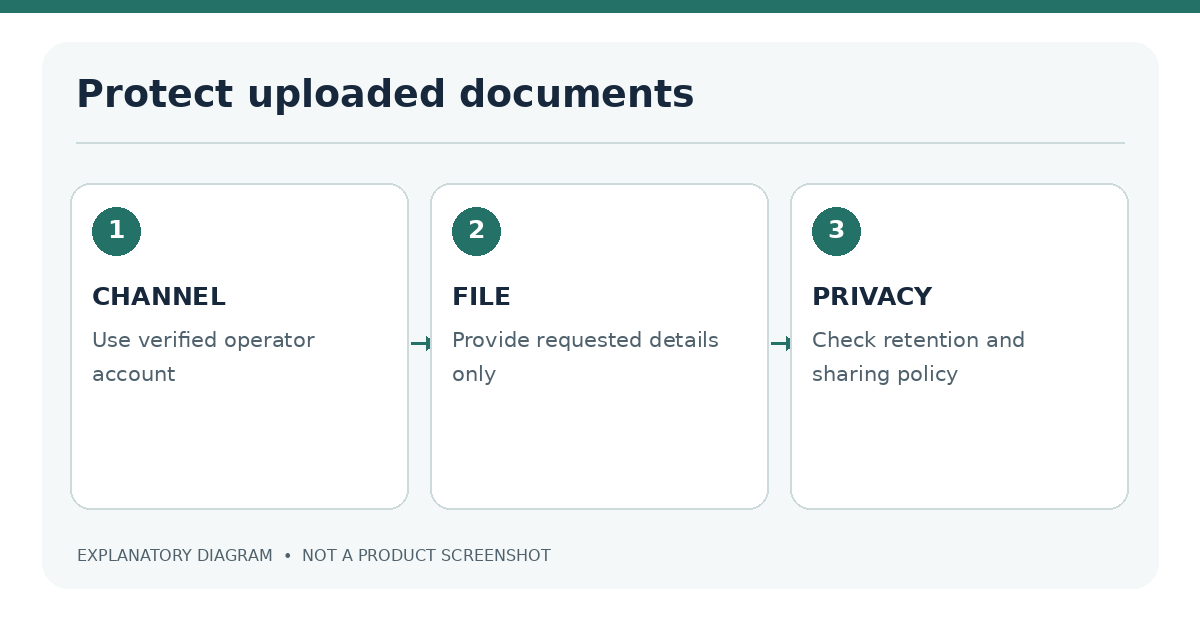
| Error | Legitimate response |
|---|---|
| Image rejected as blurry | Recapture a clear image if requested |
| Unsupported file type | Use an approved format |
| Names do not match | Ask verified support about correction |
| Verification taking longer | Check official status and support, do not duplicate uploads |
| New upload link in unsolicited message | Return directly to the verified account |
Do not publish or email a screenshot that displays a full ID number, home address or payment credentials for a routine technical report.
How identity checks differ from geolocation
Use verified operator support channels
Identity verification answers who; geolocation answers where. A verified adult account can still be barred from real-money play outside an approved territory. A device that passes the location check may still be awaiting age or identity verification.
If you cannot complete either process, read the operator's instructions and the appropriate legal guide. Do not use fabricated details or location spoofing. For the technical side, see casino location verification on iPhone.
Can a casino ask for identity documents before withdrawals? It may require checks, but timing and conditions vary. Consult the local rules and the verified operator's written terms.
Is it safe to send ID through a support chat? Only if that channel and workflow are expressly verified and appropriate. Prefer the operator's supported secure upload system.
Does Face ID replace casino KYC? No. Device authentication and the operator's regulatory identity checks are different.
Further reading: An upload error may require the troubleshooting guide; account eligibility also involves physical location checks and privacy precautions.
Sources
- UK Gambling Commission: Age and ID verification
- UK Gambling Commission: Why provide ID?
- Apple: iPhone Location Services
Last editorial review: 18 November 2026. Never send real identity documents to editorial staff for this page.