Quick answer: Open the App Store, find the operator's official listing, check the developer name and iOS requirements, then tap Get and complete Apple's download confirmation. For real-money gambling, first confirm that the service is licensed where you are physically located and that you meet the local age requirement. If a listing is unavailable, do not use unofficial download files or change location settings to evade restrictions.
Installing an iPhone casino app involves two separate checks: whether the software is authentic and whether the service is permitted for your location. A download from a recognized store helps with the first question, but it cannot settle the second.
Before installing: legality and age requirements
The right to offer real-money casino games depends on local gambling rules. In Great Britain, a remote casino needs appropriate Gambling Commission authorization. In the United States, approvals differ by state. New Jersey, for example, publishes its own list of authorized internet gaming sites. Do not assume a sports betting licence covers casino games.
Apple’s App Review Guidelines say that real-money gaming apps must have necessary licensing and permissions in the locations where they are used, must restrict availability geographically, and must be free to download from the App Store. That does not mean a particular app is lawful in every country where you can see a mention of it.
Before downloading, check your age eligibility, physical location, the operator's legal identity and the official regulatory record. If any of those points is unclear, do not open an account or provide payment details. Our legality guide separates the main gambling models.
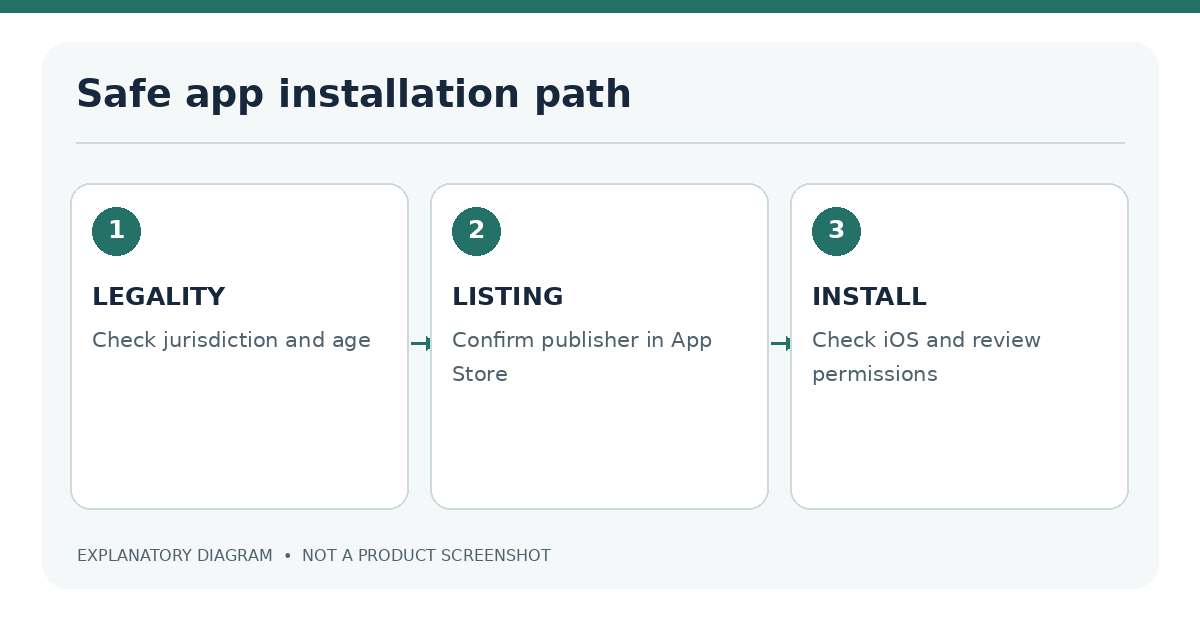
Find and verify the official App Store listing
- Open App Store on your iPhone and search the operator's exact name.
- Prefer a link from the operator's verified official website, provided you have already confirmed the domain against the regulator's information.
- Open the app's product page and inspect the developer or publisher, age rating, app description and purchase information.
- Compare the developer or legal entity with information published by the operator. Names may differ legitimately, so check the connection rather than assuming a match.
- Review recent release notes and the app privacy information. Treat unusually broad permissions or inconsistencies as reasons for closer inspection.
- Confirm the app is intended for your location and the exact gaming product you expect.
Verify the developer and publisher
A familiar logo is not conclusive. Lookalike apps can reuse brand colors and similar titles. The store listing should correspond to the real operator or a clearly authorized publisher. A company website that links to the store is useful only after its domain has been verified; search ads and direct messages are weaker evidence.
| Check | What to look for | Why it matters |
|---|---|---|
| App name | Consistent spelling and product | Reduces confusion with clones |
| Developer | Identifiable publisher tied to the operator | Establishes accountability |
| Storefront | App offered in the appropriate country | Availability may vary by market |
| Privacy information | Clear collection categories and policy | Helps assess data handling |
| Official domain | Matches authorized operator information | Protects against phishing links |
Check iOS support, device requirements and storage
On the App Store page, read Compatibility and the supported iOS version. Check whether your device can install the required version. An older iPhone may be unable to update far enough, even when the listing is genuine. Compatibility can change after an app update; avoid relying on an undated article that names a single universal minimum.
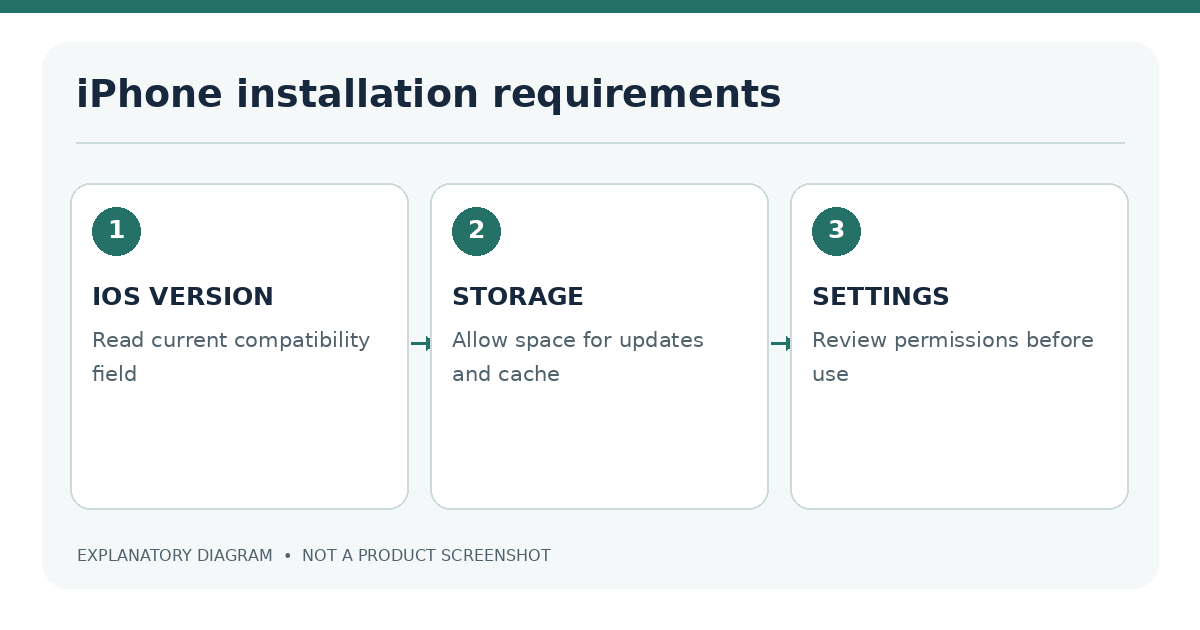
Supported iOS version and storage
Look at the app's listed download size, then allow space for caches and updates. On iPhone, use Settings → General → iPhone Storage to review free space and unusually large files. If you need to update iOS, back up important data and follow Apple's normal update workflow first. Do not install configuration profiles or third-party packages merely because a website claims they are needed for casino access.
For a broader comparison of app and website requirements, use the iPhone casino compatibility guide.
Install the app and review permissions
Tap Get on the verified listing. Confirm with Face ID, Touch ID or your Apple Account credentials as Apple requests. The app should appear on your Home Screen or in the App Library when installation finishes. Open it and read the first-run permission prompts rather than accepting everything automatically.
A legitimate app might request notifications, camera access for identity documents or location information where regulation requires it. These requests have different purposes. You can review them under Settings → Privacy & Security and the app's individual settings. Never send identity documents through an unsolicited email link or a messenger conversation; use the verified operator's supported upload flow.
For location checks, accurate settings may be necessary for legitimate service use in a licensed area. They do not authorize access from outside that area. See iPhone casino location verification.
Why the app may be unavailable in your region
An absent listing can reflect a store restriction, a legal requirement, an unsupported device, an operator decision or a temporary withdrawal. It is not proof that the software has a hidden download route.
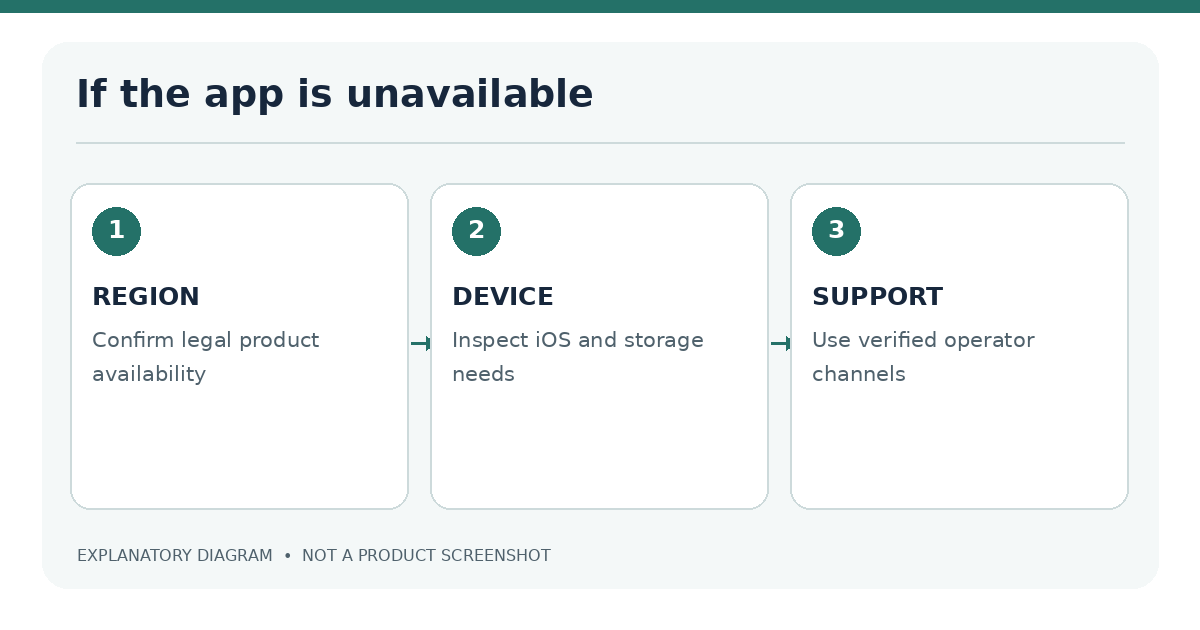
- Not available in your country: Check whether the operator is authorized locally and contact its verified support channel.
- Requires a newer iOS version: Check Apple's supported update options for your device.
- Download will not start: Review Apple Account sign-in, connectivity, storage and App Store service status.
- Installed app will not open: Use the iPhone casino troubleshooting guide rather than repeatedly reinstalling without checking account consequences.
Installation safety and frequently asked questions
Avoid unofficial download links
A casino-related .ipa file, enterprise certificate or installation profile supplied by an unknown site is not a safe substitute for the official listing. Do not disable iPhone protections or accept remote-device-management instructions from unverified support contacts. If the service has a mobile website, use only the correctly verified domain and only where access is permitted.
Does a free App Store download mean the casino is free to use? No. The software download and the gambling products inside it are different things. Social games can also include paid virtual currency.
Can I install a casino website as a Home Screen icon? Safari allows website shortcuts. Such an icon does not prove that a native iOS app exists. The Safari guide covers this distinction.
What if I am visiting a licensed state but live elsewhere? Rules vary. Some jurisdictions focus on your physical location at the time of play. Confirm the regulator's requirements and the operator's approved terms before using the service.
Further reading: If the listing is unclear, consult iOS compatibility requirements, check legal eligibility and use the casino app troubleshooting steps.
Sources
- Apple: Download apps on iPhone or iPad
- Apple: App Review Guidelines
- UK Gambling Commission: business register
- New Jersey: authorized internet gaming sites
Last editorial review: 18 November 2026. App availability, age eligibility and local authorization should be checked again before publication.