Quick answer: First identify whether the issue affects the installed app, the casino website in Safari, your account or the operator's legal location check. Then verify connectivity, iOS compatibility, available storage and the operator's official status information. Do not delete account data, bypass geographic controls or install unofficial fixes to make a gambling service run.
An app that crashes on launch requires a different response from a site that blocks paid games because the phone is outside a permitted area. Keep error messages and the time of failure for a support request.
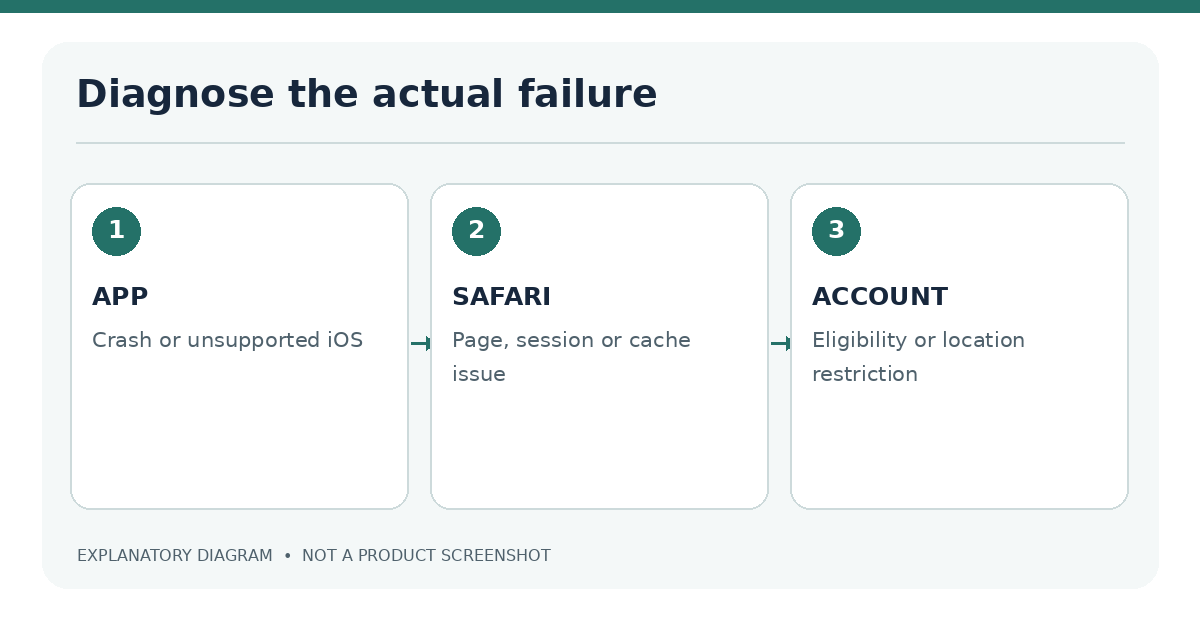
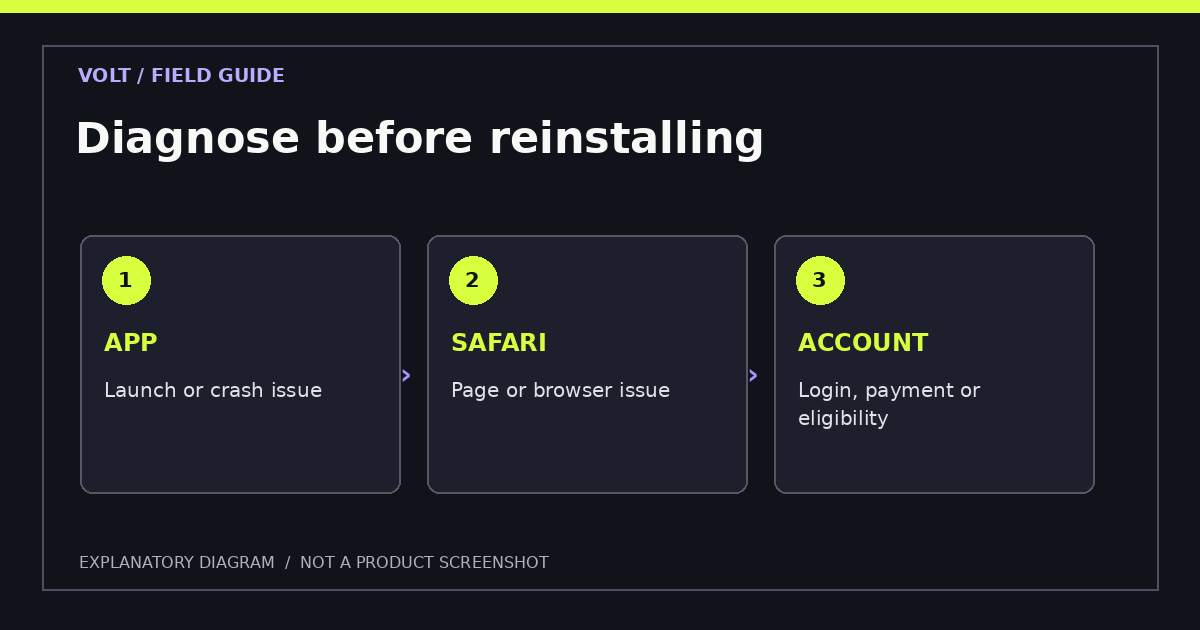
Identify the app, Safari or account issue
Start by describing the symptom precisely. Does the app close immediately, freeze at login, show an outdated version warning, fail only when opening a live game, or reject a location check? If you can use other reputable websites, that suggests the phone has internet access, but it does not prove the operator's service is available.
| Symptom | Likely area | First action |
|---|---|---|
| App closes on launch | App build, iOS, storage | Check update and device requirements |
| Safari page never loads | Site, network, browser data | Verify domain and service status |
| Login rejected | Credentials, account status | Use verified password recovery |
| Game loads slowly | Network, server, device | Test stable connection without bypass tools |
| Location check fails | Permission or eligibility | Check lawful location and official instructions |
| Payment pending | Operator/payment processor | Check transaction history before retrying |
Classify the failure before changing settings. "Not working" can describe an icon that closes immediately, a website that never finishes loading, a game screen with frozen controls, a payment form that rejects a transaction or a lawful location check that denies access. Each requires a different response. Restarting the device may help a temporary interface failure but cannot fix an expired licence, incorrect account documents or a market where casino gaming is not allowed.
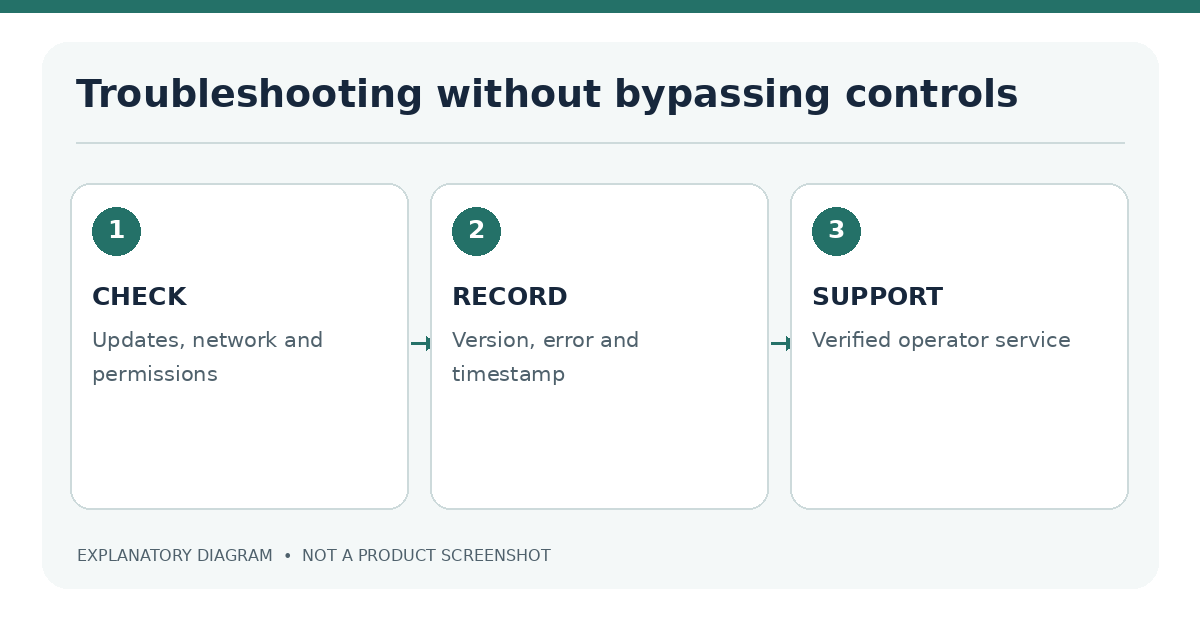
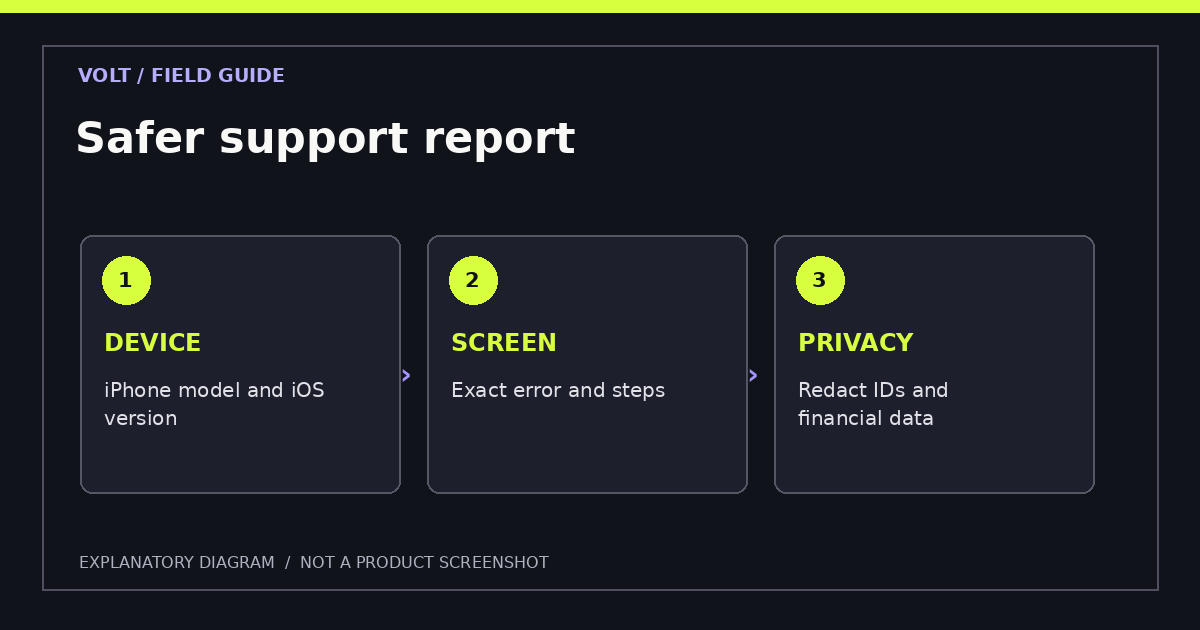
Make a short incident record: exact date and time, iPhone model, installed iOS version, app or Safari, the screen where the issue appears, and the error wording. Record whether the phone is on Wi-Fi or cellular data without exposing private network details. If a screenshot is needed, remove names, balances, account numbers and verification documents before sharing it with support. This record gives the operator enough detail to investigate without forcing you to repeat tests that may affect account access.
| Symptom | First safe check | Escalation |
|---|---|---|
| App closes at launch | iOS compatibility and available app update | Official app support |
| Safari page stays blank | Exact URL, connection and normal reload | Official website support |
| Login fails | Credentials, account notices and ordinary recovery | Verified account service |
| Game loads but controls fail | Supported orientation and device accessibility | Report reproducible steps |
| Casino says location not permitted | Current legal eligibility and Location Services permission | Jurisdiction or operator help; do not bypass |
| Deposit fails | Bank notices, account status and cashier terms | Verified payment support |
Check iOS version, connectivity and permissions
Check Settings → General → Software Update for supported iOS updates and the App Store for app updates. Review free space in iPhone Storage. Restarting an app or iPhone can resolve temporary issues, but it should not be the first response to a suspected account restriction or unresolved withdrawal.
Troubleshoot on permitted networks without evading restrictions
A reliable Wi-Fi or mobile connection may be needed for game streams and account verification. Check whether regular sites load and whether the operator has reported an incident. Do not use a VPN, spoofed GPS location or altered device settings to avoid regional restrictions. If you are within an approved jurisdiction but lawful checks fail, contact verified operator support.
Location access may be adjusted in Settings → Privacy & Security → Location Services. Share only the permissions the verified operator needs under the applicable rules. Apple's location controls and the operator's own checks are different mechanisms.
Safari-specific page loading problems
Before clearing cookies, make sure the URL is correct and the website is legitimate. Open another tab to test general connectivity. Check whether Safari is updated through iOS and whether the page fails across normal permitted connections. A website-specific issue might be caused by expired sessions or cached data.
Apple documents methods for clearing Safari history and website data. Treat clearing as a later step: it can sign you out of websites and remove stored settings. Record any unresolved account or payment information first. If only one game fails, report the exact title and time instead of clearing all browser data.
A practical isolation sequence is to open the operator's confirmed domain in an ordinary Safari tab, reload once and note the result. Compare with another unrelated trusted website to see whether the network is broadly affected. If only the casino site fails, consult the operator's status page or support. If every site fails, troubleshoot the device or connection rather than the casino account. A cellular-data test can help distinguish a local Wi-Fi issue, but it must not be used to evade lawful regional checks.
A black game frame may reflect a graphics or streaming component rather than the whole website. Record whether navigation still works and whether an error is displayed. If audio plays but visuals do not, that detail is useful to report. When troubleshooting involves payments or identity information, do not repeat the transaction or upload until you understand whether an earlier attempt completed. Duplicate submissions can create avoidable confusion.
App crashes, updates and reinstalling
Update through the official App Store listing. Confirm that the latest version still supports your iPhone. Close the app and reopen it once after checking the basic requirements. If a crash continues, look for current operator service notices and verified support channels.
Contact verified support before removing important app data
Deleting or reinstalling may remove local settings, documents awaiting upload or troubleshooting evidence. Before doing so, confirm whether account access, game state and pending verification are stored on the operator's servers. Avoid downloading installation packages from “support” links sent through unknown messages.
| Before reinstalling | Why |
|---|---|
| Confirm legal app/storefront | Prevents installing an unrelated product |
| Record app version and iOS build | Helps technical support reproduce the issue |
| Note pending payment/verification | Prevents losing context |
| Save error messages without sensitive data | Creates useful evidence |
| Verify recovery and sign-in method | Reduces account lockout risk |
An app reinstall should be a late troubleshooting step, not the first recommendation. Removing an app may erase local data or settings and could interrupt an unfinished account task. Before deleting it, confirm that credentials, account recovery methods and any required documents are available. Check whether the operator has announced a service incident and whether the app is still distributed through the verified App Store listing. There is no benefit in trying to reinstall an application that is no longer offered for the relevant storefront.
If an ordinary update is available, read its release notes, install through the App Store and test the original failing action again. For Safari, start with a simple reload and check for the correct URL. Clearing website data can sign users out; do it selectively after confirming the account can be recovered. Disabling protective browser features globally should not be the default answer to a page-loading problem.
Treat error messages about identity, age, deposits and location as potential compliance decisions rather than technical bugs. Repeating attempts or changing network routes can make the history harder to understand. A regulated operator's verified support channel should explain whether an account restriction is temporary, what information is needed and which lawful steps are available.
Region locks, geolocation and lawful access
Why geographic restrictions must be respected
A licensed operator may restrict cash casino games to specific territories and verify physical location repeatedly. A location error can arise from permissions or signal quality, but it may also indicate that you are outside the permitted area. If you are not legally eligible, the correct action is not to force access.
The dedicated location verification guide explains what location signals can mean. Legal questions belong in the iPhone casino legality guide.
What if the app works but a game doesn't? Record the game title, exact error, iOS version and whether other supported games load. Report it through verified support.
Should I clear every browser cookie? Not before considering sign-out effects and account state. Prefer a targeted diagnosis.
What if a deposit shows pending? Check account history and contact verified support before attempting repeated deposits.
Can I use a location-changing service to fix access? No. It does not establish lawful eligibility and may breach rules or terms.
An error that occurs only when a person crosses a jurisdictional boundary is different from an unstable app. Legal permission can depend on current physical position even when the account remains active. Confirm the official location rules and whether the service has an ordinary permission prompt. A device that has Location Services disabled may not supply the information required for a legitimate check, but restoring permission should be done only for a verified service operating where the person is allowed to use it.
Do not test workarounds advertised as "location fixes" when they involve falsifying a position, changing identity details or using unofficial casino builds. Those steps can introduce new security risks and do not change applicable law. If the check still fails in a permitted area, contact verified support with the time, approximate location at the jurisdiction level and exact error message; do not publish precise home coordinates.
Further reading: A location denial, software incompatibility and document upload issue have different causes; consult location verification, iOS requirements and identity upload checks.
Sources
- Apple: Clear Safari history and website data
- Apple: Location Services and GPS
- Apple: Download apps on iPhone or iPad
Last editorial review: 18 November 2026. Exact repair steps depend on the app, iOS version and verified operator instructions.