Quick answer: Open Safari, enter the verified official website of a service that is permitted where you are physically located, and use its supported mobile interface. Keep iOS updated, review website permissions and use the Share menu if you want a Home Screen shortcut. A shortcut is not proof of a native iOS casino app.
This guide focuses on using Safari. It does not rank operators, override legal restrictions or duplicate the separate troubleshooting guide.
Check legal availability before opening a site
Before registering, identify the operator and whether its casino product is authorized in your country or US state. Online betting, casino games and free-play simulations may be subject to different rules. Your physical location can matter even if you live in another jurisdiction.
Search the appropriate official regulator's records and verify the precise domain. In Great Britain, the Gambling Commission publishes a public register. In New Jersey, the Division of Gaming Enforcement provides authorized internet gaming sites. If the operator cannot be verified, do not submit an identity document or payment details. Consult the legality guide for context.
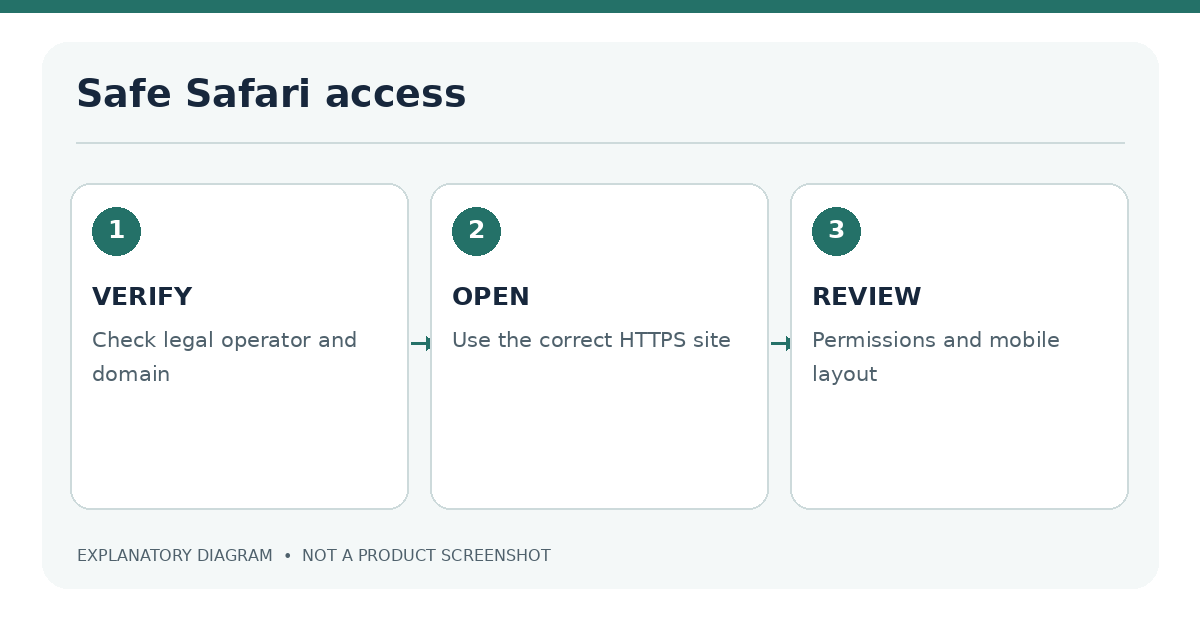
Open the verified official mobile site
- Open Safari on the iPhone.
- Type the exact official address rather than relying on an unfamiliar search ad.
- Verify the full domain before signing in. Watch for missing letters, unexpected hyphens and extra subdomains.
- Check that the website uses a secure connection. This is necessary for transmitting account information, but does not establish that the company is trustworthy or licensed.
- Use the site's menu to find accessibility features, account controls and supported game categories.
Check the domain and SSL connection
A padlock or HTTPS connection means the browser is communicating over an encrypted channel. It does not verify a gambling licence. A fraudulent site can have HTTPS as well. The reliable check is the combination of the actual domain, regulator information and consistent legal company details.
| Safari observation | Interpretation | Next step |
|---|---|---|
| HTTPS and correct domain | Connection is encrypted to that host | Still verify operator licence |
| Domain differs from regulator record | Potential mismatch or impersonation | Stop and independently confirm |
| Browser asks for location | May be relevant to legal access | Understand purpose before allowing |
| Popup asks to install a profile | Unusual for normal website access | Decline until independently verified |
Safari settings for mobile websites
Websites may depend on cookies, JavaScript and access to particular device capabilities. Do not change privacy settings blindly to satisfy a pop-up. First decide whether the feature is necessary and whether the site is verified. Safari also has tools for managing website data, privacy and permissions; the available interface names can change with iOS releases.
Keep Safari and iOS updated
Safari on iPhone is maintained through iOS updates. Use the device's normal software-update settings and review available updates. Older browsers may lack features a modern mobile game requires. If a website fails, check connectivity and compatibility before clearing all browsing data; clearing cookies can sign you out of sites and remove local preferences.
For a dedicated technical checklist, see iPhone casino compatibility and casino site troubleshooting.
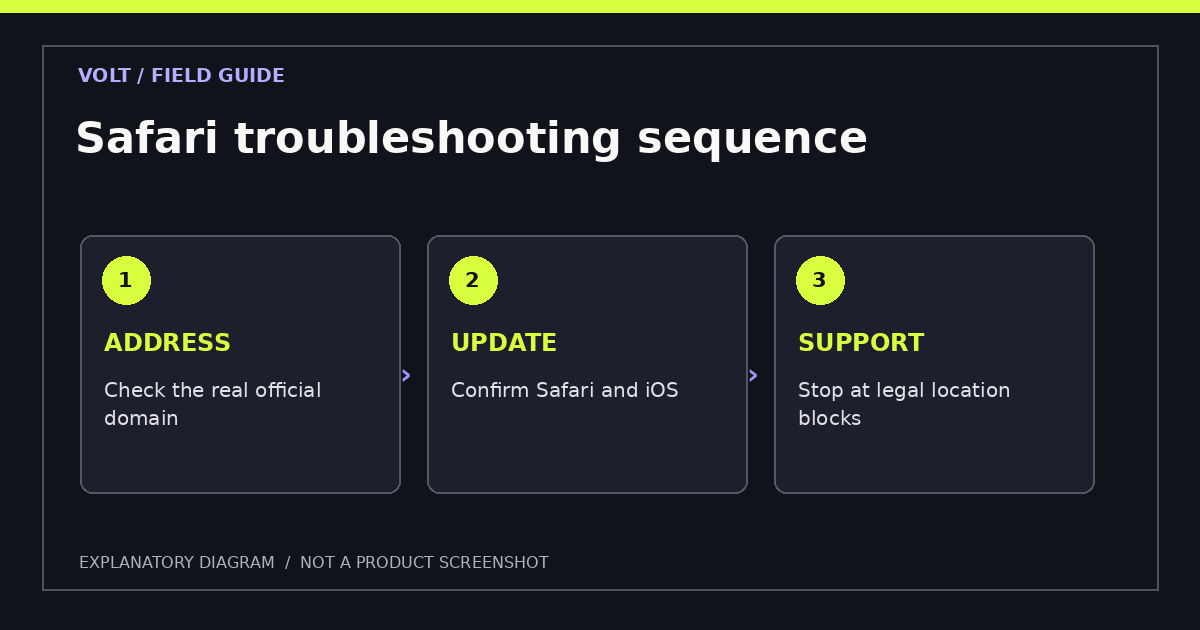
A page that displays poorly in Safari is not necessarily incompatible with iPhone. Start with the current iOS version and the exact official URL. Temporary network errors, cached website data, content blockers and private browsing settings can each affect the result. Make changes one at a time, then note whether the page improves. This is more informative than changing several security settings at once.
If a site asks for permission to use location services, read why that permission is required and confirm the service is legal for the place where you are. Restoring a legitimate permission can help a permitted site complete its ordinary check. It is not appropriate to falsify your location, bypass a restriction or use a different domain presented as an "unblocked" mirror. If the operator does not support your region, stop and consult local official information.
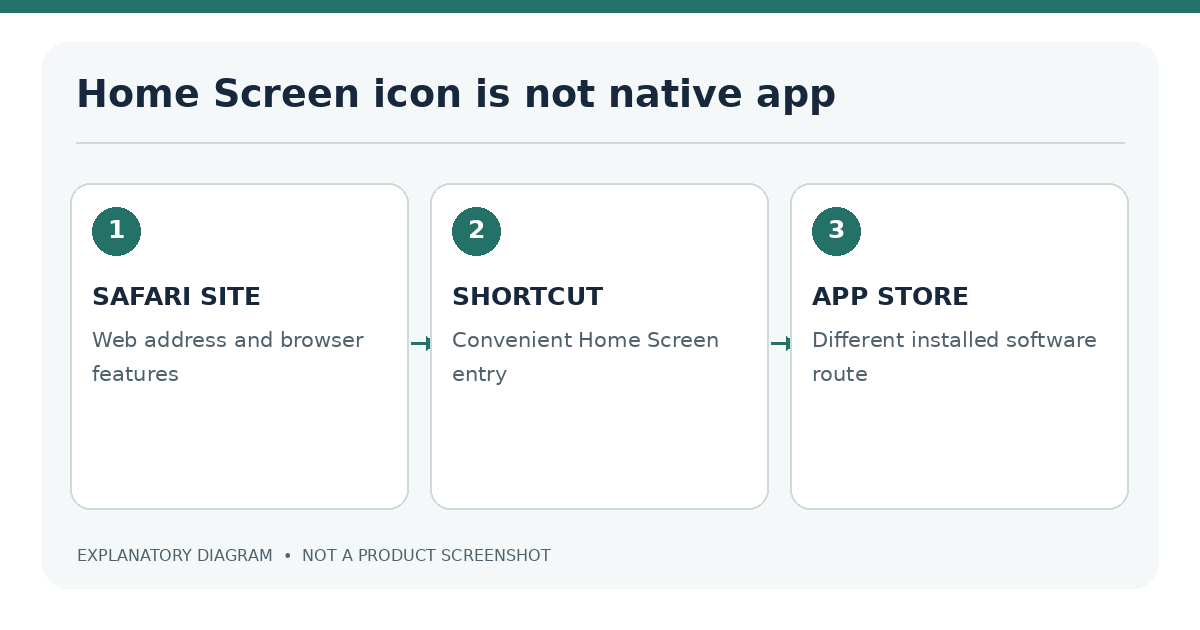
For a website shortcut, use Safari's normal sharing interface when the option is available. The shortcut opens a web experience and is still governed by Safari compatibility and the site's own rules; it does not create an App Store installation. Remove an obsolete shortcut if the official domain changes rather than trusting an unexpected redirect.
Add a site shortcut to the Home Screen
Apple supports adding website icons to the iPhone Home Screen. In Safari, open the verified site, use Share, choose Add to Home Screen where shown, review the title and add it. The icon gives you a direct route back to that website.
Website shortcut versus native iOS app
A shortcut is not the same as installing an official App Store app. Its behavior depends on the website and browser capabilities. It does not remove location checks, change the site's legal status or guarantee offline access.
| Item | Home Screen website shortcut | Native iOS app |
|---|---|---|
| Source | Verified website in Safari | Verified App Store listing |
| Separate casino download | Usually no | Yes |
| Updates | Web content and browser | App Store and server-side updates |
| Legality | Operator and location determine permission | Operator and location determine permission |
Accessibility and security basics
Try portrait and landscape orientation, inspect the text size, and ensure buttons remain usable with larger display settings. If you use VoiceOver, check whether menus, field labels and live controls are announced clearly. Poor accessibility is a reason to consider another supported access method, not a reason to relax security settings.
Use a unique password, avoid unsecured shared devices for sensitive accounts and sign out when appropriate. If a page claims that you must turn off protections or install unknown certificates, treat it as suspicious.
Can casino games run in Safari without an app? Some verified operators offer mobile web access; availability depends on the market and game.
Can I play offline? Real-money casino services generally rely on remote systems and checks. Do not assume offline capability.
Will a website shortcut improve game speed? Not necessarily. It is mainly a convenience feature; performance depends on the site, device and network.
Further reading: For access problems, see Safari versus app trade-offs, mobile compatibility checks and troubleshooting for loading failures.
Sources
- Apple: Bookmark and add websites to Home Screen
- Apple: Browse with Safari on iPhone
- UK Gambling Commission: Register
Last editorial review: 18 November 2026. iOS interface labels can vary by software version.