Quick answer: Casino location verification is a check of where a device is physically being used. Licensed real-money services may rely on location signals such as GPS, Wi-Fi information, cellular networks and other checks to determine whether play is allowed in a specific jurisdiction. It is separate from identity verification, which checks who owns the account.
A location error does not necessarily mean the operator is broken. It may indicate a permission problem, weak signals or a genuine legal restriction. The correct response depends on which of those applies.
Why operators verify physical location
Gambling approvals commonly specify where the service may accept real-money play. New Jersey is an example of a market that requires technology capable of detecting patrons' physical locations. Access to a website from another state does not mean the operator may accept a paid wager there. Residency, billing address and physical location should not be confused.
Apple also requires real-money gambling apps to be geo-restricted to locations where the app has necessary permissions. An operator can therefore apply controls at both the app-distribution and gaming-service levels.
| Check | Main question | Typical evidence |
|---|---|---|
| Location | Where is this device now? | Device/network location signals |
| Identity | Who controls this account? | Personal details and identity documents |
| Eligibility | May this person use this product? | Age and jurisdiction rules |
| Licensing | May this company offer the product here? | Regulator authorization |
iPhone Location Services and signal accuracy
iOS provides location permissions under Settings → Privacy & Security → Location Services. A user can review which apps request access and, where appropriate, whether an app receives precise location. A licensed service may need more accurate information than an ordinary weather app, depending on its compliance obligations.
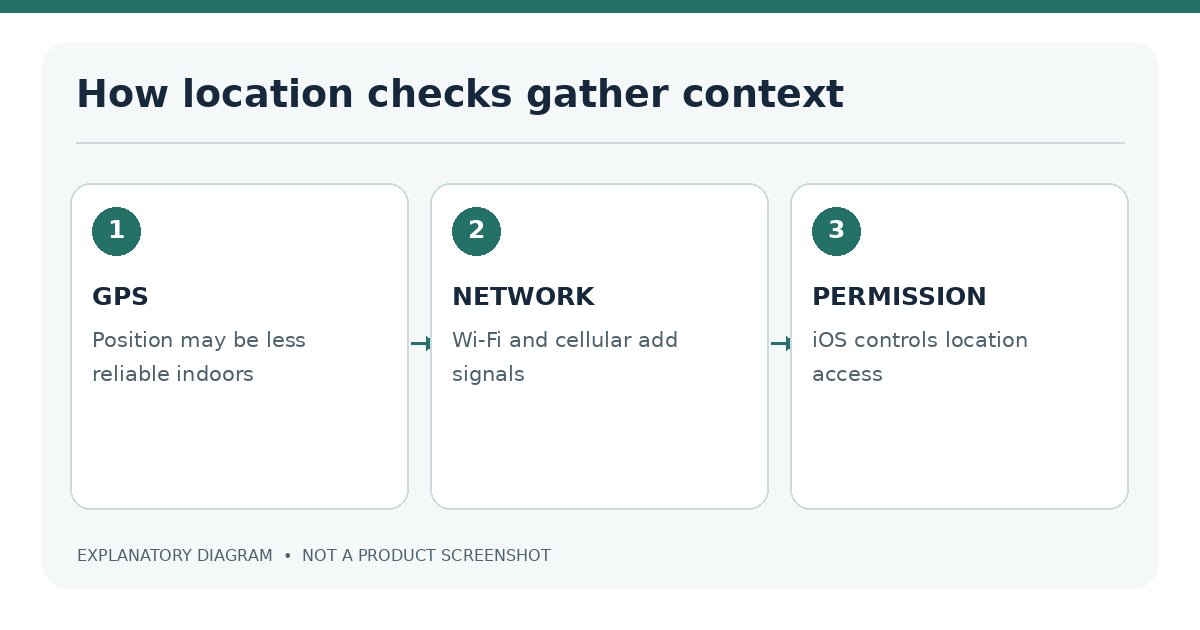
GPS, Wi-Fi and other location signals
A phone's estimated location can come from several sources. Indoor use, weak satellite reception and the local network environment may affect accuracy. Some operators use additional approved checks to assess reliability or detect inconsistent signals. The exact methods vary, and not all are visible to the user.
If a genuine permission request appears, read why the operator needs it. Grant access only through the verified app or website and only when you are eligible to use the service. There is no reason to grant unrestricted access to a lookalike app claiming to be a “location fixer.”
Location is not a single iPhone setting with a guaranteed result. A service may use the device's positioning system and available network information to determine whether a session falls within a licensed region. The operator decides what evidence is required under its regulatory rules, and the user may see a request for location access or an error if the available signals are insufficient. This explains why owning an account, having an address in a state or using a locally registered Apple ID does not establish physical eligibility.
A correct permission setting is only one input. Indoor reception, limited Wi-Fi information and device privacy settings may influence accuracy. If the user is truly inside a permitted area, checking ordinary iPhone permissions, updating supported software and consulting official operator instructions may resolve a legitimate error. It is not necessary or appropriate to suggest fabricated coordinates, location-spoofing apps or unauthorized network workarounds.
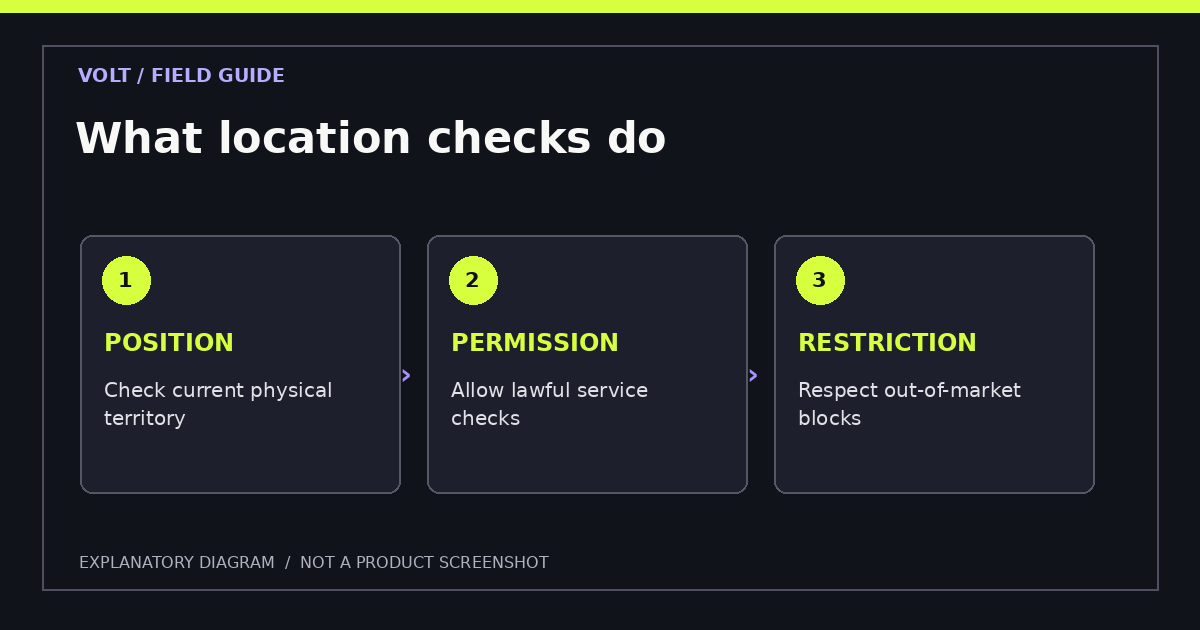
Geolocation versus identity verification
Location checks may recur during a session. Identity verification usually concerns a person's name, date of birth and relevant records, sometimes supported by document uploads. Passing one check does not guarantee that the other will pass. For instance, an account holder might be verified as an adult but physically outside the approved market.
If a site requests a driver's license to solve a GPS error, ask what process is actually underway. It may be an identity check rather than a location check. Our iPhone KYC guide explains legitimate document-upload workflows.
Privacy, permissions and location-related errors
Legitimate permission troubleshooting
- Confirm that you are physically within the market where the operator is licensed.
- Check the operator's official service notices and device requirements.
- Review iOS Location Services permissions for the verified app.
- Check whether the device has a stable, ordinary connection and an unobstructed view for location accuracy when relevant.
- Follow the operator's published support procedure if the check still fails.
- Do not install unauthorized location utilities or send a location screenshot to unverified contacts.
Location data is personal information. Read the operator's privacy notice for collection, retention and sharing practices. Limit access when it is not needed and review other app permissions independently.
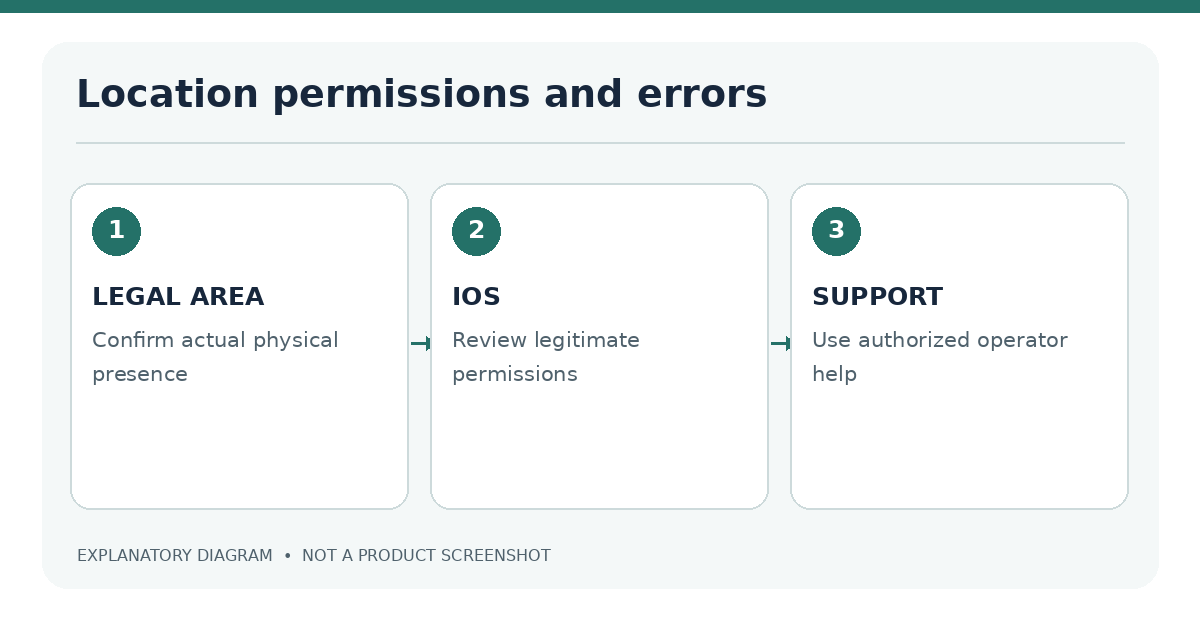
When granting location access, review whether the request applies while using the app or at another time, and read the operator's explanation of how it uses the result. If a website requests permission through Safari, confirm its official domain before responding. The exact settings labels can change across iOS versions, so follow the current iPhone interface rather than an old screenshot from an unrelated handset.
If a device is outside a permitted territory, an operator can legitimately decline a session even when the customer registered earlier in another location. The correct action is to stop attempting to play and consult the jurisdiction's rules. Misreporting a location could violate terms or legal restrictions and complicate later account support. A location error and a failed identity check are separate events: one concerns where the phone is now, while the other concerns who owns or controls the account.
What happens outside a permitted area
Why location spoofing is not an acceptable workaround
A lawful service may block real-money gameplay while allowing parts of the account interface to remain visible. That distinction is not a technical loophole. Spoofing or tunneling tools do not create legal permission and may trigger account restrictions or conflict with local law and operator terms.
| Error or situation | Appropriate response |
|---|---|
| Permission denied | Review the legitimate app's permission request |
| Poor signal in approved area | Use normal device troubleshooting or verified support |
| Outside approved area | Do not attempt real-money access |
| Identity check pending | Complete verified KYC separately if eligible |
| Unfamiliar geolocation software request | Independently verify before installing anything |
Does switching Wi-Fi change where I am legally located? No. Network choice does not alter your actual location or entitlement.
Can the operator verify location more than once? Yes, depending on its approved controls and rules.
Why might Safari and the app behave differently? They can use different supported permission workflows, but the same legal restrictions remain.
Further reading: Compare New Jersey location eligibility, general legal requirements and the app troubleshooting checklist when reviewing an error.
Sources
- Apple: Location Services and GPS
- Apple App Review Guidelines, gaming
- New Jersey DGE internet gaming information
Last editorial review: 18 November 2026. Operator-specific geolocation implementation details have not been independently tested.